
Alternatives to CtrlOps
Explore the best alternatives and competitors to CtrlOps.
Explore 20 alternatives to CtrlOps. Compare features, pricing, and find the best fit for your needs.

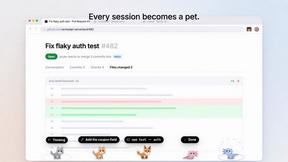
Agent Pets
Your Claude Code & Codex sessions as pets in Chrome. Approve, deny and reply to your coding agents from any tab.
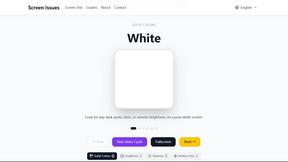
Screen Issues
Free Online Screen Test Tool - Instantly diagnose dead pixels, lines, color issues, and flickering. Multiple test modes, no download needed.
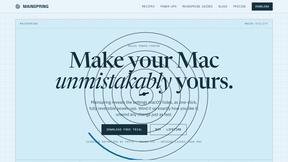
Mainspring
Mainspring turns the settings macOS hides into 90+ one-click, fully reversible power-ups for Finder, Dock, screenshots and more. $29 once.
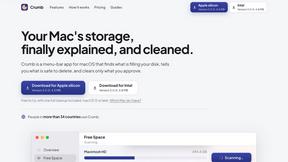
Crumb
A Mac menu bar app for a full disk. See what is using your space, read whether it comes back on its own, and remove only what you tick.

Doblique
Doblique: fast, lightweight browser tools with a clean interface. Free to use. Files stay on your device.

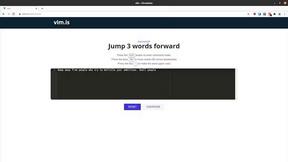
Vim.is
Vim.is is a simple online tool that helps you learn and practice Vim keyboard shortcuts quickly.


Turbotools
Free online web tools: PDF converter, image compressor, word counter, text reverse, JSON formatter & generator. 100% free with no sign-ups!
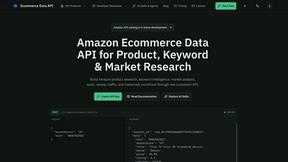
Ecommerce Data API
Amazon research data APIs for developers, sellers and AI agents. Integrate product, keyword and market research through REST APIs and MCP.
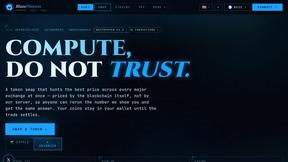
BlazePhoenix
On-chain DEX aggregator: the swap route is computed inside the transaction that executes it. No API key, no signup.
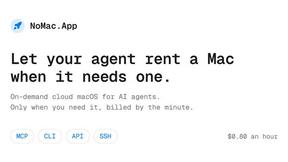
NoMac
A real cloud Mac with Xcode for your AI agent: build, test and ship iOS apps without owning a Mac. $0.80 an hour.
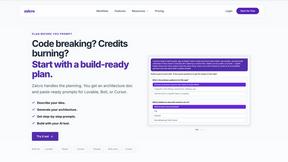
Zalcro
The pre-build planning tool for vibe coders and AI builders. Start with a conversation about your idea, get paste-ready prompts for your coding tool
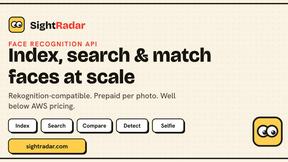
SightRadar
Face recognition API, a drop-in replacement for AWS Rekognition. Index, search, compare and detect faces, billed per photo with no subscription.
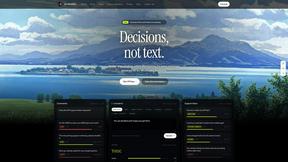
JevModel
Bilingual console and guide for the jev decision model: classify, route, and score text or JSON.
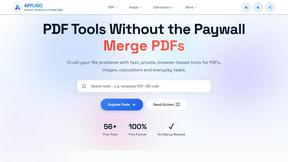
AFFLIGO
AFFLIGO brings free online PDF, image, video, text, and calculator tools together to make everyday digital tasks easier.
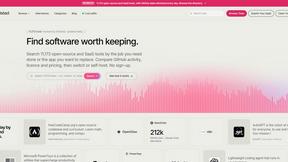
Enlisted
Search 20,000+ open-source and SaaS tools by the job you need done or the app you want to replace.

CCNavX
Compare AI API proxy providers by price, models, payments, and compatibility before you commit.

About CtrlOps Alternatives
CtrlOps is the no-nonsense, local-first desktop app that lets you boss around all your Linux servers from a single screen, powered by AI that actually respects your boundaries. It’s a Dev Tool built for devs and technical teams who are tired of hiring a whole DevOps squad just to run a few commands, and it keeps everything 100% local so your data doesn’t ghost you to the cloud. People start hunting for alternatives when the price tag feels steep for a solo dev, or when they need cross-platform support beyond desktop, or maybe they want a feature that’s hyper-specific to their stack, like deeper Kubernetes integration or a different AI flavor. When you’re shopping for a replacement, look for something that balances raw power with a zero-learning-curve vibe, keeps your data on your machine (no one likes a snitch), and offers that sweet approval-based execution so you don’t accidentally nuke your production box. The real gold is in tools that feel like a co-pilot, not a backseat driver, so prioritize clarity, security, and the kind of AI that explains its moves before you sign off.
FAQs about CtrlOps Alternatives
What is CtrlOps?
CtrlOps is a local-first desktop application designed for managing all your Linux servers from one unified dashboard. It uses AI to generate Linux commands from plain English descriptions, explains what each command will do, and requires your explicit approval before executing anything. This tool is built for developers and technical teams who want to streamline server management without needing a dedicated DevOps engineer.
Who is CtrlOps for?
CtrlOps is for developers, system administrators, and technical teams who manage multiple Linux servers and want to simplify their workflow without hiring a full-time DevOps expert. It’s especially useful for solo devs or small teams who need powerful server control but lack the time or budget for specialized ops roles. The tool is designed to be accessible to anyone comfortable with the command line but looking for AI-assisted efficiency.
Is CtrlOps free?
The provided content does not specify whether CtrlOps is free or paid. However, as a local-first desktop app with AI capabilities, it may offer a freemium model or a paid subscription for advanced features. Users should check the official CtrlOps website or documentation for the most accurate and up-to-date pricing information.
What are the main features of CtrlOps?
The core feature of CtrlOps is the AI Terminal, which lets you describe server tasks in plain English and generates the exact Linux command needed, complete with an explanation of its effects. Nothing runs without your confirmation, ensuring you stay in control. It also provides a unified dashboard to manage all your Linux servers from one screen, all while keeping your data 100% local for maximum security and privacy.