AECharts vs SvgtoPng Convertor
Side-by-side comparison to help you choose the right AI tool.

AECharts
Animated chart maker for presentations and videos

SvgtoPng Convertor
Transform your SVG files to stunning PNGs in a flash, all online and hassle-free, with no downloads needed.
Last updated: February 26, 2026
Visual Comparison
AECharts
SvgtoPng Convertor
Overview
About AECharts
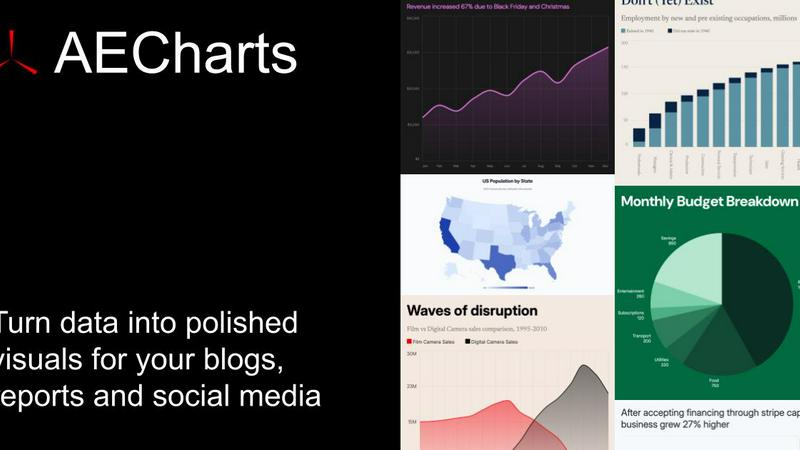
AECharts is a browser-based tool for creating animated chart videos — no design skills, no software installs, no video editing experience required. Upload a spreadsheet, paste your data, or connect a Google Sheet, and AECharts turns it into a polished animated video in minutes. Choose from bar charts, line charts, pie charts, bar chart races, and more. Every chart comes with professional templates you can customize: change colors, fonts, sizing, and branding to match your style.
When you're ready, export as MP4 and share anywhere — YouTube, LinkedIn, Instagram Reels, TikTok, presentations, newsletters, or pitch decks. Animated charts consistently outperform static images for engagement, and AECharts makes them as easy to produce as a screenshot.
Built for marketers, journalists, researchers, and founders who need to communicate data clearly and memo
About SvgtoPng Convertor
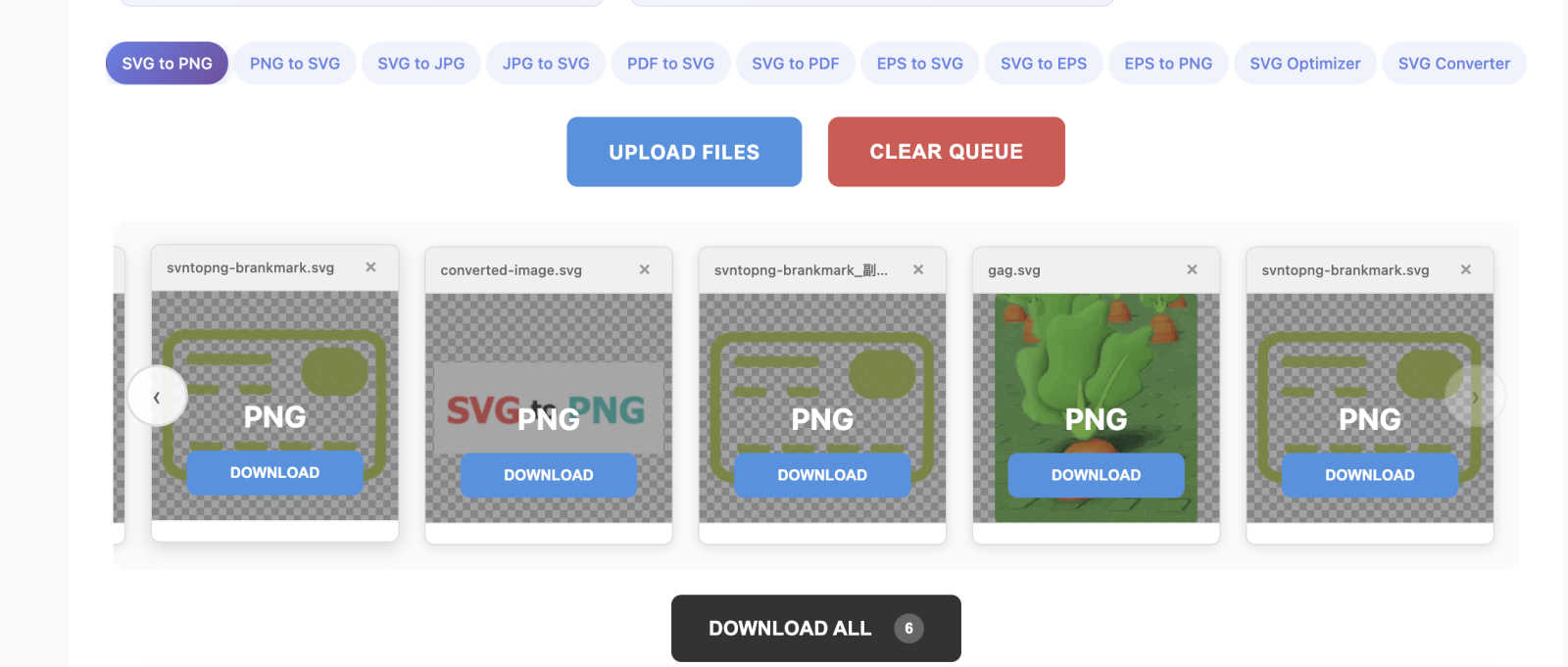
Tired of battling with clunky software and dodgy online tools to convert SVG files into web-ready PNGs? We feel you. SvgtoPng Convertor is here to save the day! This isn't just another run-of-the-mill converter; it's your design sidekick, buzzing right in your browser. With SvgtoPng Convertor, you can effortlessly transform scalable vector graphics into pixel-perfect PNG images without any hassle. No installs are needed, and there's zero compromise on quality. Perfect for designers prepping client assets, developers needing app icons, or marketers crafting killer social media visuals, this tool caters to anyone who values both their time and artistry. The best part? It’s completely free, requires no sign-up, and operates fully on your device—your files won’t take a trip to some dodgy server. Transparency is preserved, batch conversions are a breeze, and the high-res results keep your creations looking sharp. Say goodbye to struggles and hello to seamless converting!