

SvgtoPng Convertor
Transform your SVG files to stunning PNGs in a flash, all online and hassle-free, with no downloads needed.
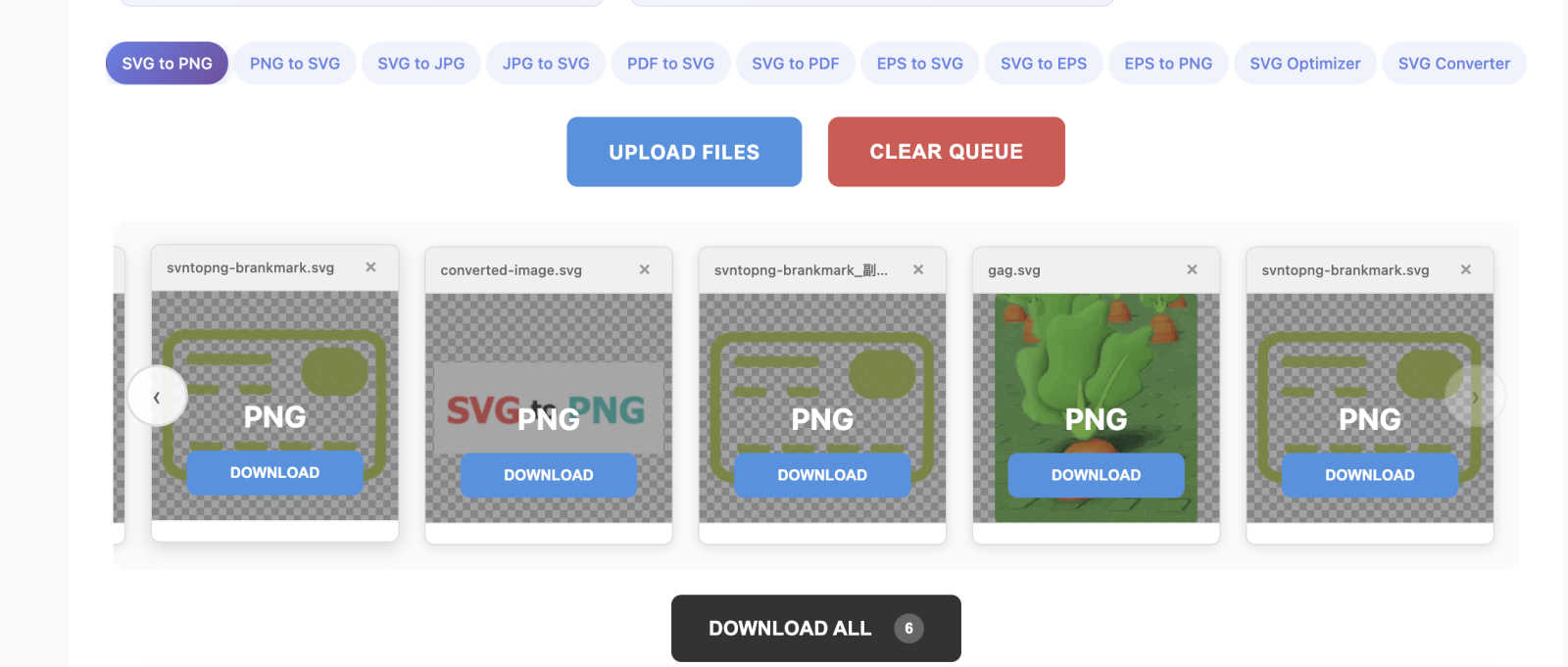
About SvgtoPng Convertor
Tired of battling with clunky software and dodgy online tools to convert SVG files into web-ready PNGs? We feel you. SvgtoPng Convertor is here to save the day! This isn't just another run-of-the-mill converter; it's your design sidekick, buzzing right in your browser. With SvgtoPng Convertor, you can effortlessly transform scalable vector graphics into pixel-perfect PNG images without any hassle. No installs are needed, and there's zero compromise on quality. Perfect for designers prepping client assets, developers needing app icons, or marketers crafting killer social media visuals, this tool caters to anyone who values both their time and artistry. The best part? It’s completely free, requires no sign-up, and operates fully on your device—your files won’t take a trip to some dodgy server. Transparency is preserved, batch conversions are a breeze, and the high-res results keep your creations looking sharp. Say goodbye to struggles and hello to seamless converting!
Features of SvgtoPng Convertor
100% Browser-Side Conversion
SvgtoPng Convertor runs entirely in your browser, meaning your files never leave your device. Enjoy peace of mind knowing your designs are safe, and experience lightning-fast conversions without software installations.
High-Quality Output
This converter uses advanced algorithms to ensure that every pixel of your original SVG is preserved. You’ll get high-resolution PNG images that maintain clarity, sharp edges, and accurate colors, making your designs pop.
Batch Processing Capability
Why waste time converting files one by one? With SvgtoPng Convertor, you can upload and convert up to 20 SVG files simultaneously. This feature maximizes your efficiency, making it perfect for busy professionals.
Custom Resolution Settings
Need a specific size for your PNG? No problem! SvgtoPng Convertor allows you to set precise width and height dimensions during the conversion process. This ensures your images fit perfectly wherever you plan to use them.
Use Cases of SvgtoPng Convertor
Graphic Design Projects
Designers can use SvgtoPng Convertor to quickly turn their intricate SVG designs into high-quality PNGs suitable for client presentations, websites, and digital portfolios, ensuring their artwork shines.
Web Development
Developers can effortlessly convert SVG icons and graphics into PNG format for web projects. The high-quality output ensures that icons remain crisp and professional across all devices, enhancing user experience.
Social Media Marketing
Marketers can leverage the tool to create eye-catching social media visuals. By converting SVGs into PNGs, they can craft stunning posts and ads that grab attention and maintain brand integrity.
Print Materials
Whether it's for brochures, flyers, or posters, SvgtoPng Convertor is ideal for converting SVG graphics into print-ready PNGs. The tool’s high-resolution output guarantees that designs look sharp and vibrant in physical form.
Frequently Asked Questions
How does SvgtoPng Convertor work?
SvgtoPng Convertor processes your SVG files entirely within your browser. Upload your files, and the tool uses advanced algorithms to convert them into high-quality PNG images without needing to install any software.
Is there a limit on how many files I can convert at once?
Yes! You can upload and convert up to 20 SVG files simultaneously, making it super efficient for your batch processing needs.
Will my files be secure during the conversion?
Absolutely! With SvgtoPng Convertor, your files are processed locally within your browser. They never leave your device, ensuring your designs remain secure and confidential.
Can I customize the size of the PNGs I create?
Yes! SvgtoPng Convertor allows you to set specific width and height dimensions for your PNG images, giving you complete control over the output size to suit your needs.
Explore more in this category:
Similar to SvgtoPng Convertor

Remove Background Online
Free background remover that runs entirely in your browser — zero uploads, full resolution, no watermark. Your photos never leave your device.

Sprite Sheet Maker
Create pixel-art sprite sheets from text with AI, preview animations, and export PNG assets for game prototypes.

Reduce Image Quality
Free browser-based tool that lowers image quality and shrinks JPG, PNG and WebP files. No upload, no signup, no watermark.

AI STL Generator
The fastest AI STL generator to turn prompts and images into 3D printable STL files.

Logofai
Logofai is an AI-powered brand design studio that transforms a single text prompt into a complete brand identity.

Mytoolsbench
Free online image tools to resize, crop, compress, convert, and watermark images quickly and easily in your browser.

Sculptly
Turn a photo into a usable 3D mesh: STL for printing, GLB for Blender/Unity.

VidRush AI
AI long video generator combining images, video, audio and text into controllable, production-ready AI videos.