
Alternatives to VidhyaGen
Explore the best alternatives and competitors to VidhyaGen.
Explore 20 alternatives to VidhyaGen. Compare features, pricing, and find the best fit for your needs.
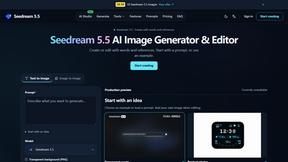
Seedream 5.5
Seedream 5.5 is an independent image creation and editing workspace for prompts, reference images, and adjustable output settings.
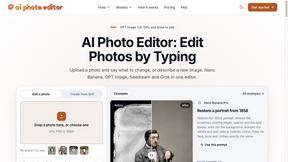
AI Photo Editor
Edit or create images by describing the result, with tools for cleanup, scene changes, portrait styles, and restoration.
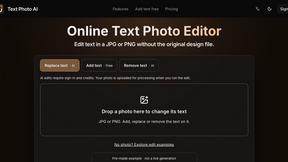
Text Photo AI
Edit words in JPG and PNG photos with AI, or add a caption free in your browser and export a PNG without signing in.
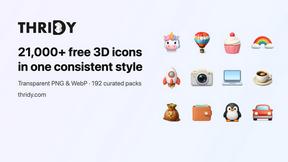
Thridy
Find consistent 3D icons as transparent PNGs, with daily download limits and attribution on the free plan and paid upgrades.

Flux3Max.io
Flux3Max.io creates short videos from prompts, photos, or keyframes, with sound and portrait or landscape output options.
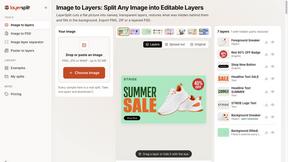
LayerSplit
LayerSplit converts a flattened image into editable layers, rebuilding the background and exporting transparent PNGs or a layered PSD.
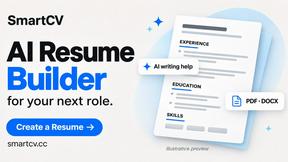
SmartCV
SmartCV offers editable resume templates, AI writing suggestions, text checks, and job tracking for professionals preparing applications.

MakePiecesOfUs
MakePiecesOfUs turns a pet photo into a private virtual room with free photo puzzles, an album, a journal and optional daily stories and travel.
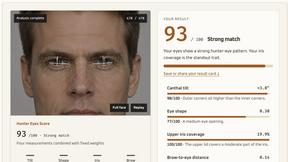
FaceCoda
FaceCoda gives a 0–100 face score from one photo and explains it with four geometry measures and a separate photo confidence check.
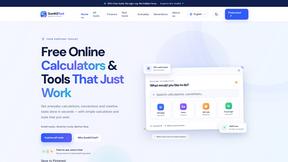
SumKitTool
SumKitTool groups free online calculators and utilities, including finance tools that show formulas, worked examples and cited sources.
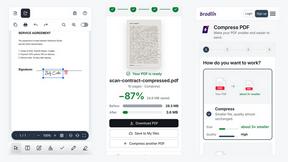
Brodlin
Brodlin offers online PDF editing, creation, conversion, and AI text extraction, with browser-based editing and optional document storage.

LaunchWren
LaunchWren is a free weekly launch directory for indie products, with maker feedback, voting, winner badges and public traffic stats.
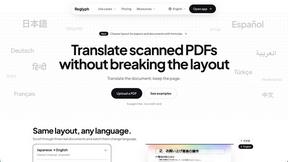
Reglyph
Reglyph translates image-only PDFs while keeping text in place with tables, stamps and figures, for document workflows that depend on layout.

PullClip
PullClip makes supported video and audio downloads simple, with source-based quality choices, clip trimming and frame export.
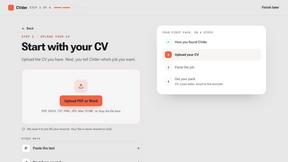
CVder
CVder helps job seekers tailor resumes to job listings, assess role match, track applications, and practise interviews with AI.

Dose Track
Dose Track helps mobile users manage peptide, GLP-1, and TRT protocols with dose schedules, calculators, and estimated level charts.
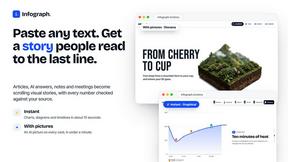
Infograph
Infograph reshapes text and meeting notes into visual stories, with source-checked figures and formats for sharing or export.

Cheso
Cheso helps teams turn files and research into editable presentations, posters, videos and interactive content.
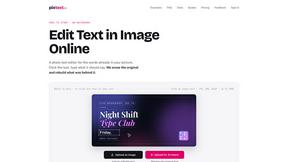
PixText
PixText changes text already in screenshots, posters and product photos by erasing it and rebuilding the background.
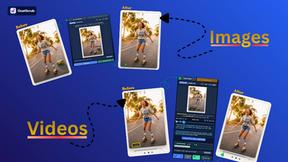
Magic Eraser Pro
Magic Eraser Pro removes unwanted objects, text, and blemishes from photos and videos, with tools for static images and moving subjects.
About VidhyaGen Alternatives
Compare VidhyaGen with a dedicated image editor if you need a wider editing workflow, or with a specialized converter if you only need format changes. Useful comparison points include supported formats, batch handling, the available edit controls, and whether a given tool processes files locally or on a server.
FAQs about VidhyaGen Alternatives
Which alternative approach fits a simple format change?
A focused converter can suit a one-step task; compare its formats and batch support with VidhyaGen's broader toolkit.
What should I check for sensitive files?
Confirm processing location for the exact utility, since the About page says it varies by tool.