
Alternatives to Dokie AI
Explore the best alternatives and competitors to Dokie AI.
Explore 20 alternatives to Dokie AI. Compare features, pricing, and find the best fit for your needs.

InkAge
Preview a tattoo on your own skin and see how it ages after 10, 30 and 50 years, or how laser removal would fade it.
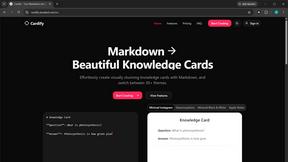
Cardify
Write Markdown on the left, get a finished knowledge card on the right. 30+ themes, custom size and fonts, PNG/SVG/PDF export.

AI Room Makeover
Explore room redesigns and focused furniture, wall-color or material changes from your photo, with optional reference images.


Enhance My Photo
Online AI photo enhancer that sharpens portraits, products, scenery, pets and text images and exports JPEG/PNG/WebP without watermarks.
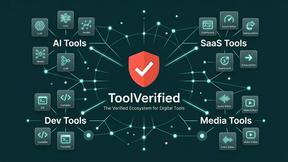
ToolVerified
A hand-tested directory of new AI tools and SaaS apps. Real people check every link, and community votes decide the daily charts.
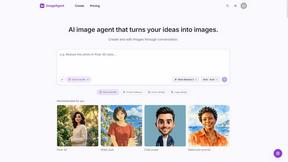
ImageAgent
Create and edit AI images through conversation, using text or reference images and refining results in chat.
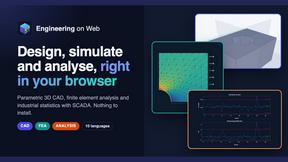
Engineering on Web
Free CAD, FEA simulation and SPC statistics in your browser, with an AI assistant that builds CAD features.
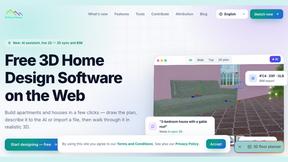
3D House Planner
Free 2D/3D home design in your browser: draw a floor plan, see it live in 3D, furnish it and get AI renders.
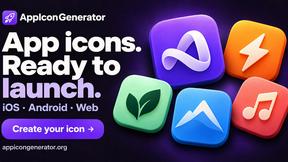
AppIconGenerator
Generate iOS and Android app icons from any image and export all platform sizes for free.
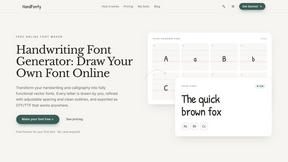
HandFonty
Draw each letter in your browser and download your handwriting as a real OTF/TTF font. Your first font is free. No AI required.
Pixdok
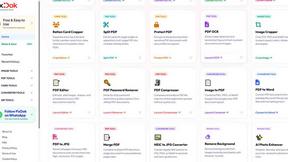
PixDok is a browser-based toolkit for common document and image tasks without requiring desktop software installation.
Budgetpixel AI
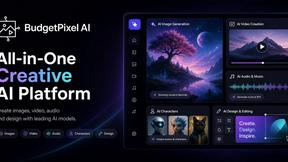
Create and edit AI images, videos, music, and designs in one workspace, with multiple models, reusable characters, and API access.
GPT Image Hub
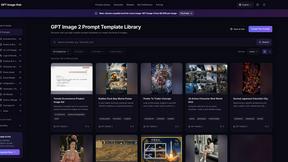
Curated image prompts, reusable templates, and multi-model AI generation in one workspace.
Seedream 5.5
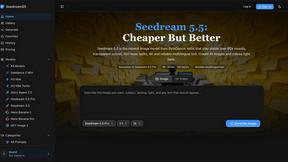
Seedream 5.5 by ByteDance: 80+ rounds of stable image editing, native RGBA transparency, 100-layer splits, 4K output and reliable multilingual text.
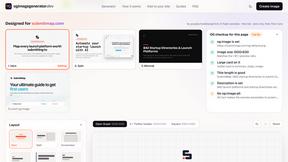
ogimagegenerator.dev
Paste a URL and AI designs on-brand Open Graph images from your page's colours, fonts and logo. Free, no sign-up.
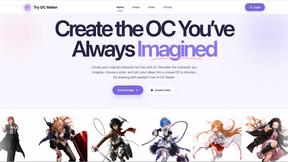
Try OC Maker
Create OCs from text or images, customize their look, and turn them into animated videos with AI.

Turbotools
Free online web tools: PDF converter, image compressor, word counter, text reverse, JSON formatter & generator. 100% free with no sign-ups!
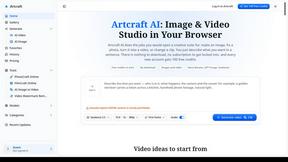
Artcraft AI
AI image and video studio in your browser: generate and edit images, turn photos into videos, edit clips by sentence.
About Dokie AI Alternatives
Dokie AI is the ultimate game-changer in the world of presentation design, marching to the beat of AI prowess in the design tools category. With its sleek features and intuitive capabilities, it allows anyone—from business moguls to budding educators—to whip up stunning presentations that wow audiences in mere minutes. However, users often find themselves on the hunt for alternatives due to factors like pricing flexibility, specific feature sets, or compatibility with their existing workflows. When diving into the search for an alternative, consider what truly matters for your needs. Is it the cost-effectiveness of a pay-as-you-go model or the desire for advanced customization options? Pay attention to the ease of use, the range of features, and the level of support that comes with the tool. Finding the right fit can elevate your presentation game to new heights.
FAQs about Dokie AI Alternatives
What is Dokie AI?
Dokie AI is an AI-powered presentation maker that enables users to create professional-quality slides quickly and easily.
Who is Dokie AI for?
Dokie AI is designed for business professionals, educators, marketers, and startup founders who need to create polished presentations without requiring design skills.
Is Dokie AI free?
Dokie AI is not free, with pricing starting at $39.80 for pay-as-you-go plans, and subscription options available at $19.90/month or $15.90/month for yearly plans.
What are the main features of Dokie AI?
Main features of Dokie AI include AI-generated slide decks, enhancement of existing presentations, speaker note additions, and document-to-PPT conversions.