
Alternatives to CustomTattoo AI
Explore the best alternatives and competitors to CustomTattoo AI.
Explore 20 alternatives to CustomTattoo AI. Compare features, pricing, and find the best fit for your needs.

Enhance My Photo
Online AI photo enhancer that sharpens portraits, products, scenery, pets and text images and exports JPEG/PNG/WebP without watermarks.

ToolVerified
A hand-tested directory of new AI tools and SaaS apps. Real people check every link, and community votes decide the daily charts.
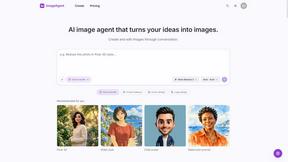
ImageAgent
Create and edit AI images through conversation, using text or reference images and refining results in chat.
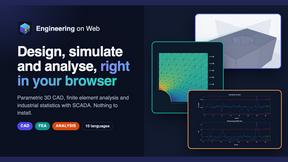
Engineering on Web
Free CAD, FEA simulation and SPC statistics in your browser, with an AI assistant that builds CAD features.
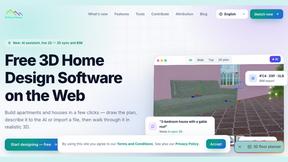
3D House Planner
Free 2D/3D home design in your browser: draw a floor plan, see it live in 3D, furnish it and get AI renders.
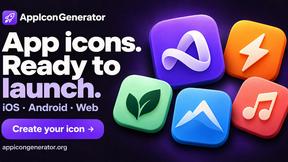
AppIconGenerator
Generate iOS and Android app icons from any image and export all platform sizes for free.
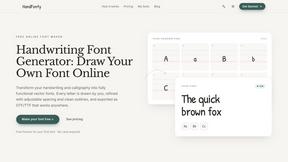
HandFonty
Draw each letter in your browser and download your handwriting as a real OTF/TTF font. Your first font is free. No AI required.
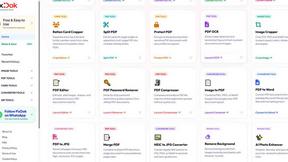
Pixdok
PixDok is a browser-based toolkit for common document and image tasks without requiring desktop software installation.
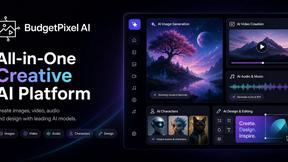
Budgetpixel AI
Create and edit AI images, videos, music, and designs in one workspace, with multiple models, reusable characters, and API access.
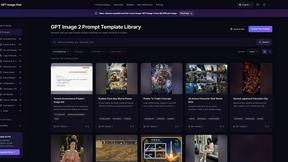
GPT Image Hub
Curated image prompts, reusable templates, and multi-model AI generation in one workspace.
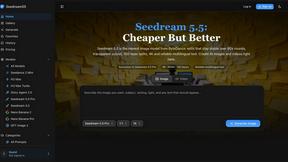
Seedream 5.5
Seedream 5.5 by ByteDance: 80+ rounds of stable image editing, native RGBA transparency, 100-layer splits, 4K output and reliable multilingual text.
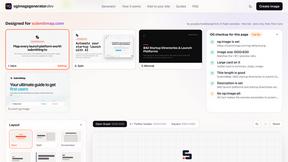
ogimagegenerator.dev
Paste a URL and AI designs on-brand Open Graph images from your page's colours, fonts and logo. Free, no sign-up.
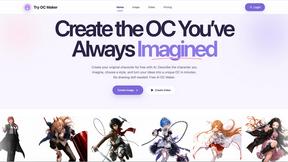
Try OC Maker
Create OCs from text or images, customize their look, and turn them into animated videos with AI.
Turbotools
Free online web tools: PDF converter, image compressor, word counter, text reverse, JSON formatter & generator. 100% free with no sign-ups!
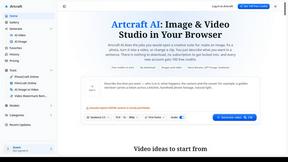
Artcraft AI
AI image and video studio in your browser: generate and edit images, turn photos into videos, edit clips by sentence.
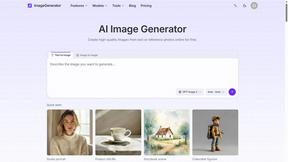
ImageGenerator
Create and edit AI images online with multiple models, text-to-image, image-to-image, background removal, and upscaling.
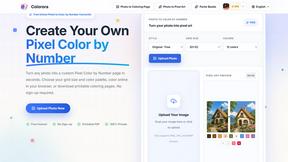
pixelartcolorbynumber
Turn any photo into a custom Pixel Color by Number page in seconds. Choose your grid size and color palette, color online in your browser, or downloa
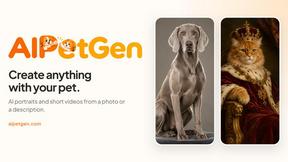
AIPetGen
AIPetGen turns a photo of your dog, cat, or other pet, or a written description, into a new picture or a short animation.
Contact Sheets Maker
Create professional contact sheets from your images in just a few clicks.
About CustomTattoo AI Alternatives
CustomTattoo AI is a digital ink playground that lets you dream up custom designs, save them to your personal stash, and slap them onto your actual skin before you ever sit in the chair. It sits dead center in the Design Tools category, giving you a full-blown AI-powered sandbox to describe your idea, generate killer concepts in every style from traditional to trash polka, and preview the placement on your own body. But not everyone vibes with the same platform. People start hunting for alternatives when the price tag feels too heavy, the feature set doesn’t match their creative flow, or they need a tool that plays nicer with their specific artist workflow. Maybe you want more control over the AI’s output, better photo integration for try-ons, or a subscription that doesn’t burn your wallet. When you’re scoping out a replacement, look for a tool that gives you crisp, high-res previews, a solid library to organize your ideas, and the flexibility to refine your vision without forcing you into a one-size-fits-all box. The right platform should make you feel like you’re collaborating with the AI, not just feeding it prompts.
FAQs about CustomTattoo AI Alternatives
What is CustomTattoo AI?
CustomTattoo AI is an AI-powered tattoo design and try-on platform that helps you create custom tattoo concepts, save them to a personal library, and preview them on your own skin. It’s designed to let you describe an idea and instantly generate multiple designs in various styles, so you can compare looks and test placement before committing to a permanent piece. The platform acts as a digital sketchbook and visualizer, bridging the gap between your imagination and your tattoo artist’s needle.
Who is CustomTattoo AI for?
CustomTattoo AI is built for first-time tattoo clients who want confidence before going under the needle, tattoo enthusiasts looking to explore new styles, and anyone who needs a clear visual direction to bring to their artist. It’s especially useful for people who want to test different placements on their own body, compare multiple concepts side by side, and refine their ideas without wasting time or money. Basically, if you want to avoid regret and walk into the shop with a solid plan, this tool is for you.
Is CustomTattoo AI free?
CustomTattoo AI likely operates on a freemium or subscription model, offering basic features for free while unlocking advanced tools like unlimited saves, higher-resolution previews, or more style options behind a paywall. The free tier usually lets you generate a few designs and try them on, but serious planning sessions may require a paid plan. Always check the official pricing page for the most current details on what’s included at each level.
What are the main features of CustomTattoo AI?
Core features include AI-powered design generation from text descriptions, a personal library to save and organize your favorite concepts, and a skin preview tool that lets you see how a tattoo looks on your own body. You can explore multiple styles like realism, tribal, watercolor, or geometric, and compare different placements and sizes before booking your session. This makes it easier to build a clear, detailed reference for your tattoo artist.