
Alternatives to AI Formatter
Explore the best alternatives and competitors to AI Formatter.
Explore 20 alternatives to AI Formatter. Compare features, pricing, and find the best fit for your needs.

Uniclip
Clip pages, take full-page screenshots and batch-capture list data to Notion, Feishu, Obsidian, Markdown, CSV or JSON.
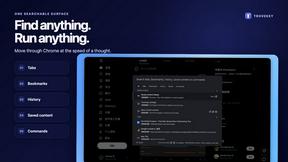
TroveKey
Search tabs, Chrome bookmarks and history, run browser commands, and save webpages and social posts locally—no account.
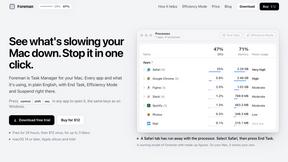
Foreman
See every app and what it's using in plain English, and end or slow down the one that's hogging your Mac.
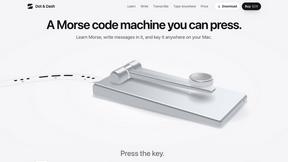
Dot & Dash
Learn Morse code on a machine you can press. Write and send messages, turn Morse into text and back, and key Morse in any app on your Mac.
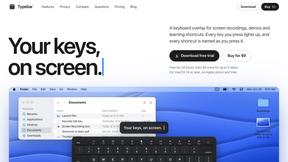
Typebar
Every key you press lights up on an on-screen keyboard, and each shortcut is named as you press it.

LightScreen
Free light screen tool online. Turn any display into a flashlight, ambient light, or solid-color screen. No download or sign-up.

PLRental
Rental agency software: scan a customer ID, get a signed contract in under a minute, and manage fleet, customers, and invoices.
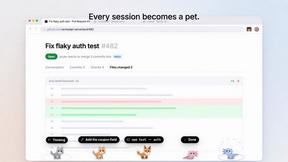
Agent Pets
Your Claude Code & Codex sessions as pets in Chrome. Approve, deny and reply to your coding agents from any tab.
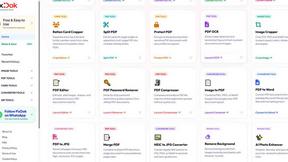
Pixdok
PixDok is a browser-based toolkit for common document and image tasks without requiring desktop software installation.
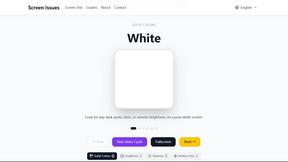
Screen Issues
Free Online Screen Test Tool - Instantly diagnose dead pixels, lines, color issues, and flickering. Multiple test modes, no download needed.
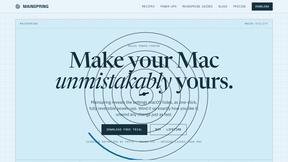
Mainspring
Mainspring turns the settings macOS hides into 90+ one-click, fully reversible power-ups for Finder, Dock, screenshots and more. $29 once.
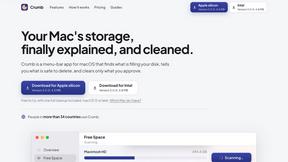
Crumb
A Mac menu bar app for a full disk. See what is using your space, read whether it comes back on its own, and remove only what you tick.
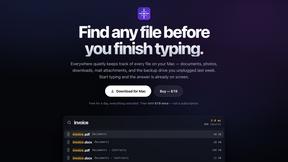
Everywhere
Fast file search for the Mac. Results as you type, files inside Mail and Photos, works with Wi-Fi off. $19 once.
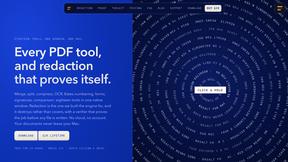
Basalt
Eighteen PDF tools in one native Mac window: merge, split, compress, OCR, Bates numbering, forms, signing and redaction. Offline. $29 once.
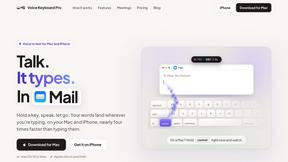
Voice Keyboard Pro
Hold a key, say what you mean, let go. Clean, punctuated text lands at the cursor in any app on your Mac or iPhone.
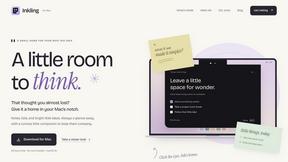
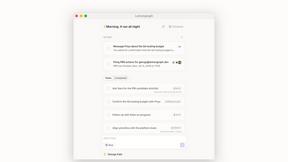
Inkling
Catch a thought without leaving what you are doing. Notes, checklists and a little companion in your Mac's notch. $12 once.
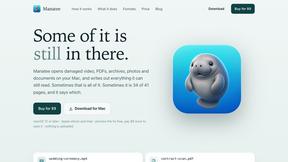
Manatee
A Mac app that opens damaged video, PDFs, archives and documents and writes out everything it can still read. $9 once, no uploads.
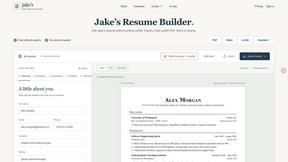
Jake's Resume Builder
Free resume editor with real LaTeX PDF, Word exports and optional AI help.

Context Board
Context Board brings your numbers, docs, clients, content and day into one workspace that Claude and Codex can read and update.
About AI Formatter Alternatives
AI Formatter is your ultimate cloud-based SaaS tool designed to transform raw text into stunning, professional documents in a flash. It falls under the productivity and management category, catering to everyone from job seekers to businesses. Users often seek alternatives due to various factors, such as pricing, specific features, or compatibility with their preferred platforms. When choosing an alternative, look for a tool that offers a user-friendly interface, a versatile template library, and efficient customization options to enhance your document creation experience. --- FAQ_SEPARATOR--- [{"question": "What is AI Formatter?", "answer": "AI Formatter is a cloud-based tool that transforms raw text into professional documents using over 1000 templates and AI-driven features."},{"question": "Who is AI Formatter for?", "answer": "AI Formatter is designed for anyone needing to create polished documents quickly, including job seekers, businesses, and academics."},{"question": "Is AI Formatter free?", "answer": "AI Formatter offers various pricing plans, but it does not have a free version."}]