Pinpoint Solver vs Tickari
Side-by-side comparison to help you choose the right AI tool.

Pinpoint Solver
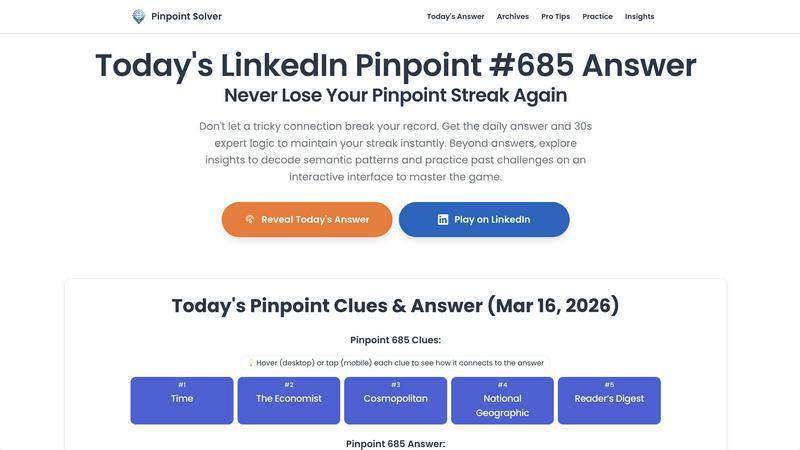
Pinpoint Solver instantly unlocks LinkedIn Pinpoint answers and expert logic to protect your daily streak and master the game.
Last updated: March 26, 2026

The no-nonsense task manager that actually helps you get things done. No clutter. No complexity. Just you and your tasks.
Visual Comparison
Pinpoint Solver
Tickari

Overview
About Pinpoint Solver
Ever feel like LinkedIn Pinpoint is about to absolutely shatter your hard-earned streak? That moment of panic when the clues just don't click? Chill. We've got your back. Pinpoint Solver is your ultimate, no-BS cheat code for the daily LinkedIn word game. We're not just another answer site; we're your strategic partner in crushing Pinpoint with style and speed. We provide the daily verified answer the second the puzzle drops, so you can skip the frustrating guesswork and secure your win in under 30 seconds. But for the players who want to level up, we go deep. We deliver instant, interactive clues, expert logic breakdowns that teach you how to think, and a full archive for practice. It's built for anyone from the casual player who just hates losing their streak to the analytic brainiac who wants to master semantic patterns and dominate the leaderboard. Our value proposition is simple: stop stressing, start winning, and actually start enjoying the game every single day.
About Tickari
Tickari is a deliberately minimal, no-nonsense task manager designed for people who are tired of overcomplicated productivity tools and just want to get things done. Instead of overwhelming you with features like complex boards, AI-generated suggestions, or endless customization, Tickari focuses on a simple, frictionless workflow: write a task, tick it off, and move on.
The product embraces a “less but better” philosophy—eliminating clutter, reducing cognitive overhead, and removing the need for onboarding tutorials or setup processes. There are no distractions, no unnecessary decisions, and no feature bloat—just a clean interface that works instantly the moment you open it. This makes it particularly effective for users who feel stuck organizing tasks instead of actually completing them.