MindMap AI vs Tickari
Side-by-side comparison to help you choose the right AI tool.

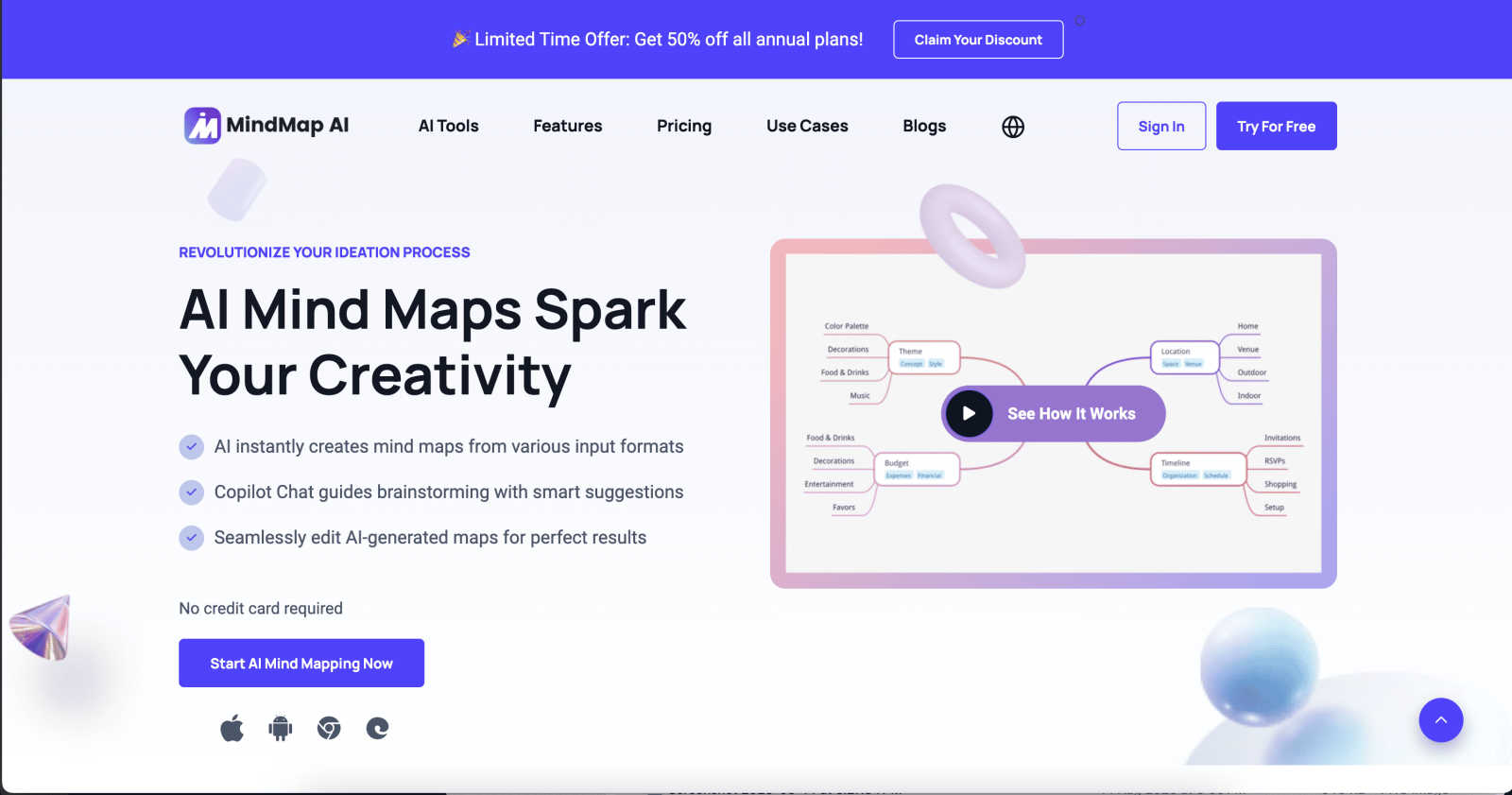
MindMap AI turns your ideas and files into sleek, editable mind maps, making thinking visual and collaborative.
Last updated: February 26, 2026

The no-nonsense task manager that actually helps you get things done. No clutter. No complexity. Just you and your tasks.
Visual Comparison
MindMap AI
Tickari

Overview
About MindMap AI
Forget the clunky, old-school mind mapping methods that drain your time and energy. MindMap AI is your ultimate brain upgrade, transforming the way professionals, teams, and creators think, plan, and execute. This innovative tool is not just another piece of software; it's your AI-powered co-pilot on a mission to streamline complexity into clarity. Whether you're dealing with a chaotic meeting recording, a dense PDF report, or merely a scattered idea, MindMap AI instantly converts your raw materials into visually stunning, structured mind maps. Each map becomes an interactive command center where you can engage with AI to ask questions, refine strategies, and discover hidden connections. Designed specifically for productivity warriors, MindMap AI turns brainstorming sessions, project plans, and research analyses from days of grueling work into mere minutes of brilliance. With seamless access across web and mobile platforms, plus the ability to export to any format—be it Word, PPTX, or PDF—MindMap AI is the definitive tool to elevate your organization from chaotic noise to crystal-clear clarity. Get ready to think faster, smarter, and with unparalleled efficiency.
About Tickari
Tickari is a deliberately minimal, no-nonsense task manager designed for people who are tired of overcomplicated productivity tools and just want to get things done. Instead of overwhelming you with features like complex boards, AI-generated suggestions, or endless customization, Tickari focuses on a simple, frictionless workflow: write a task, tick it off, and move on.
The product embraces a “less but better” philosophy—eliminating clutter, reducing cognitive overhead, and removing the need for onboarding tutorials or setup processes. There are no distractions, no unnecessary decisions, and no feature bloat—just a clean interface that works instantly the moment you open it. This makes it particularly effective for users who feel stuck organizing tasks instead of actually completing them.