AECharts vs Image Text Editor
Side-by-side comparison to help you choose the right AI tool.

AECharts
Animated chart maker for presentations and videos

Image Text Editor
Effortlessly edit any image text with AI that auto-matches fonts, no skills needed, and grab free credits today!.
Last updated: February 26, 2026
Visual Comparison
AECharts
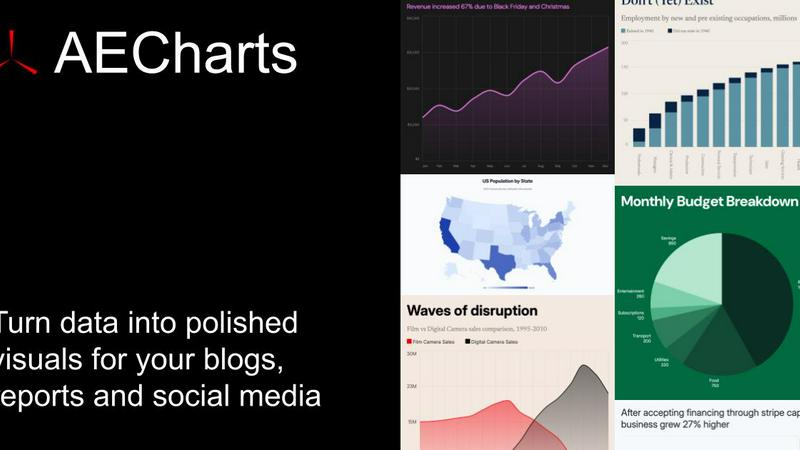
Image Text Editor
Overview
About AECharts
AECharts is a browser-based tool for creating animated chart videos — no design skills, no software installs, no video editing experience required. Upload a spreadsheet, paste your data, or connect a Google Sheet, and AECharts turns it into a polished animated video in minutes. Choose from bar charts, line charts, pie charts, bar chart races, and more. Every chart comes with professional templates you can customize: change colors, fonts, sizing, and branding to match your style.
When you're ready, export as MP4 and share anywhere — YouTube, LinkedIn, Instagram Reels, TikTok, presentations, newsletters, or pitch decks. Animated charts consistently outperform static images for engagement, and AECharts makes them as easy to produce as a screenshot.
Built for marketers, journalists, researchers, and founders who need to communicate data clearly and memo
About Image Text Editor
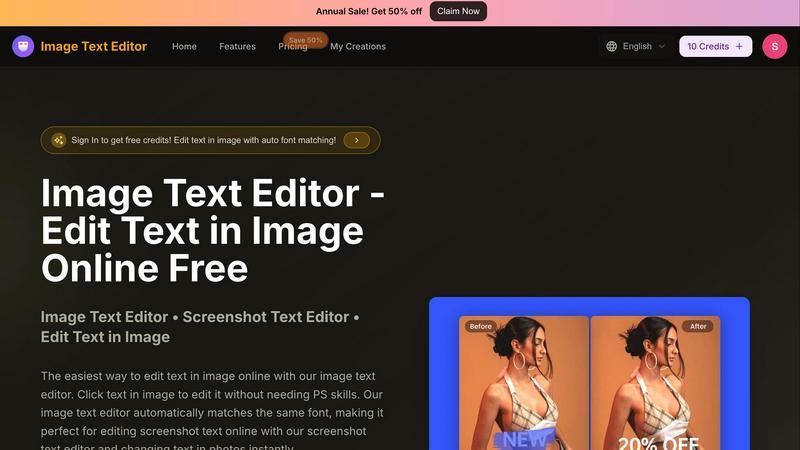
Welcome to Image Text Editor, the game-changer in the world of image editing! This revolutionary tool is designed for anyone tired of the clunky interfaces of traditional software like Photoshop. Imagine being able to edit text in any image with just a few clicks, all from your browser and without spending a dime. Our AI-powered platform allows you to effortlessly change dates on screenshots or fix typos in memes. Whether you're a content creator, marketer, or just someone who needs a quick edit, this tool is your best friend. It performs a forensic analysis of the original text, ensuring that your edits match the style, color, and texture of the surrounding area. No more complex design skills needed; just upload your image, click on the text, and let the magic unfold. Get started today and unlock the power of professional-quality editing right at your fingertips!