
Alternatives to Vivideo
Explore the best alternatives and competitors to Vivideo.
Explore 20 alternatives to Vivideo. Compare features, pricing, and find the best fit for your needs.
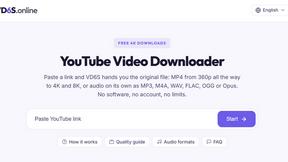
VD6S
VD6S is a free online YouTube video downloader that supports HD, 4K and up to 8K downloads. Save videos in MP4 or audio in multiple formats.

Tip Toeing in My Jordans
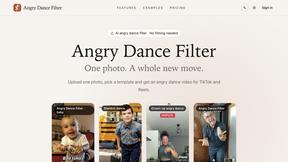
Upload a photo and get a 12-second AI video of the viral tip toe meme: you play Rumpelstiltskin, a friend can play the woman in the hay.
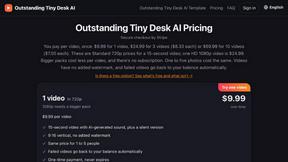
Outstanding Tiny Desk AI
Upload photos of you and a friend and get a 15-second Outstanding Tiny Desk AI video with AI-generated sound, in 9:16 for TikTok, Reels and Shorts.
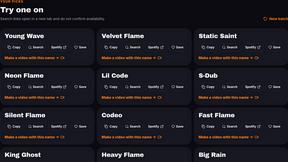
AI Rap Generators
Create 15-second AI rap videos from photos with original beats and verses—no filming, lyrics, or editing needed.

The Kiss
Turn two photos into a cinematic AI kissing video. Pick one of 13 kiss video templates; 30 free credits on sign-up.

Free Meme Video Generator
Create AI video memes from photos, clips or text prompts. Free credits to start.

Demo Editor
Paste your product's URL and get a promo video with voice-over and music, cut from your real site.
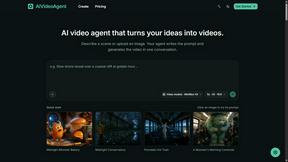
AIVideoAgent
Turn text ideas or reference images into videos through conversation, with agent-assisted prompts and a choice of video models.

Save X post
The easiest way to save X videos offline: no app to install and no account to create. Paste the link, choose HD or 4K, and the MP4 is yours.

AI Rap
AI rap generator that turns two portraits, or one photo of two people, into a short English duet rap video with original lyrics, vocals, and music.
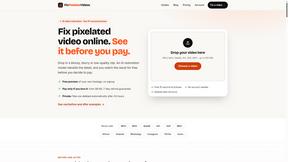
Fix Pixelated Videos
AI that fixes pixelated, blocky and blurry videos. Free 15-second preview, no signup.
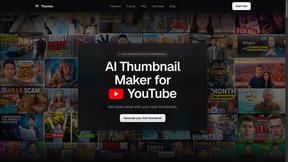
Thumbo
Thumbo makes YouTube thumbnails with AI: your face on every one, the style of any channel you like, and edits in plain words.
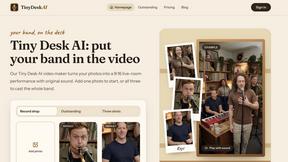
Tiny Desk AI Video Maker
Create a vertical Tiny Desk-style concert video from up to three photos with original music.
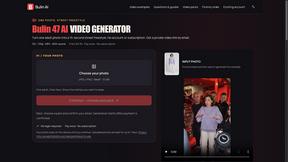
Bulin AI
Create a 15-second Bulin 47 AI freestyle video from one permitted portrait. One-time packs from $9.90, email delivery, no account or subscription.

Rhinobird
AI video ads, UGC-style videos, and product visuals for cross-border sellers and e-commerce brands.

GenX
All-in-one AI workspace to generate images, videos, and audio with multiple leading AI models.
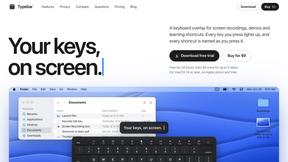
Typebar
Every key you press lights up on an on-screen keyboard, and each shortcut is named as you press it.
FastH3 Omni
Run FastH3 Omni in your browser. Up to 9 reference images plus 3 audio references become a 5–15s clip with synced audio. No install, no GPU.
About Vivideo Alternatives
Alright, let’s get into it. You’re the creator, the hustler, the one who knows that video content is king but also knows that burning hours in a timeline editor is for the birds. Vivideo is a slick AI-powered generator that lives in the video creation space, turning your raw text or images into polished, fast-paced clips ready for TikTok, Reels, and Shorts. It’s got the sauce—multilingual voiceovers, auto-captions, and 4K exports—making it a solid beast for marketers, educators, and businesses who need volume without the headache. But let’s keep it real: maybe Vivideo’s pricing hits your wallet too hard, or its feature set doesn’t flex the way your specific workflow demands. Maybe you need more granular control over the AI models, or you’re hunting for a platform that plays nicer with your existing stack. Whatever the vibe, when you’re shopping for an alternative, don’t just look at the price tag. Zero in on the core: does it handle text-to-video and image-to-video without glitching? Does it support the aspect ratios and export quality you need? And most importantly—does it let you move fast without making you feel like you’re wrestling a robot? Prioritize platforms that offer real editing freedom, stock asset libraries that don’t suck, and voiceover options that don’t sound like a monotone robot from 2015.
FAQs about Vivideo Alternatives
What is Vivideo?
Vivideo is an advanced AI video generator that transforms text prompts, scripts, articles, product descriptions, or uploaded images into engaging, high-quality videos quickly. It automates the entire production process, including generating visuals, voiceovers, subtitles, music, and transitions, making professional video creation accessible to everyone.
Who is Vivideo for?
Vivideo is designed for creators, marketers, businesses, and educators who need to produce compelling video content at scale. It serves users creating content for TikTok, Instagram Reels, YouTube Shorts, marketing campaigns, product promotions, tutorials, and more, without requiring advanced video editing skills.
Is Vivideo free?
Based on the provided product description, Vivideo offers a range of features including multilingual AI voiceovers, automatic captions, customizable aspect ratios, and HD/4K exports, but specific pricing or free tier availability is not detailed in the content provided. Users should check the official Vivideo website for the most current pricing and trial options.
What are the main features of Vivideo?
Vivideo’s main features include text-to-video and image-to-video generation, powered by multiple AI video models and supported by millions of stock assets. It also offers multilingual AI voiceovers, automatic captions and subtitles, customizable aspect ratios, HD and 4K export options, and an intuitive editing workflow that streamlines video production.