
Alternatives to Screen Dub
Explore the best alternatives and competitors to Screen Dub.
Explore 20 alternatives to Screen Dub. Compare features, pricing, and find the best fit for your needs.
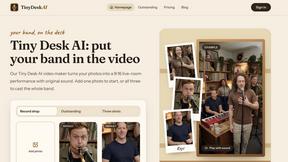
Tiny Desk AI Video Maker
Create a vertical Tiny Desk-style concert video from up to three photos with original music.
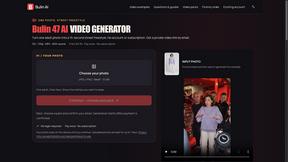
Bulin AI
Create a 15-second Bulin 47 AI freestyle video from one permitted portrait. One-time packs from $9.90, email delivery, no account or subscription.

GenX
All-in-one AI workspace to generate images, videos, and audio with multiple leading AI models.
Uniclip
Clip pages, take full-page screenshots and batch-capture list data to Notion, Feishu, Obsidian, Markdown, CSV or JSON.
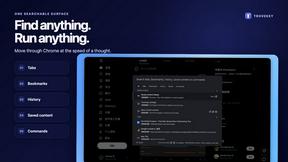
TroveKey
Search tabs, Chrome bookmarks and history, run browser commands, and save webpages and social posts locally—no account.
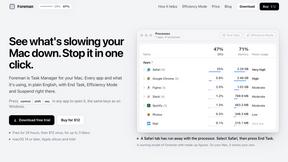
Foreman
See every app and what it's using in plain English, and end or slow down the one that's hogging your Mac.
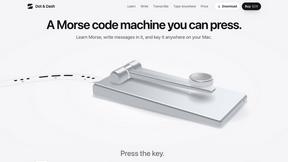
Dot & Dash
Learn Morse code on a machine you can press. Write and send messages, turn Morse into text and back, and key Morse in any app on your Mac.
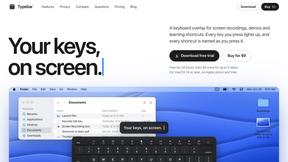
Typebar
Every key you press lights up on an on-screen keyboard, and each shortcut is named as you press it.
LightScreen
Free light screen tool online. Turn any display into a flashlight, ambient light, or solid-color screen. No download or sign-up.
PLRental
Rental agency software: scan a customer ID, get a signed contract in under a minute, and manage fleet, customers, and invoices.
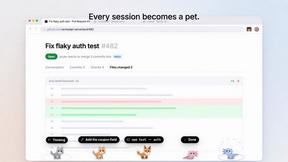
Agent Pets
Your Claude Code & Codex sessions as pets in Chrome. Approve, deny and reply to your coding agents from any tab.
FastH3 Omni
Run FastH3 Omni in your browser. Up to 9 reference images plus 3 audio references become a 5–15s clip with synced audio. No install, no GPU.
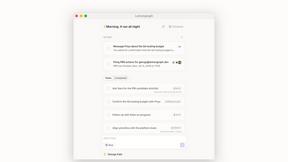
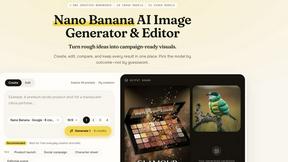
Nano AI
Create and edit AI images, generate videos, and compare models in one creative workbench.
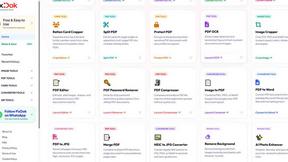
Pixdok
PixDok is a browser-based toolkit for common document and image tasks without requiring desktop software installation.


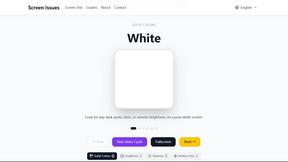
Screen Issues
Free Online Screen Test Tool - Instantly diagnose dead pixels, lines, color issues, and flickering. Multiple test modes, no download needed.
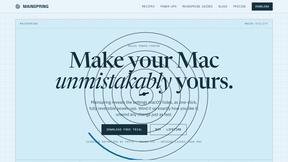
Mainspring
Mainspring turns the settings macOS hides into 90+ one-click, fully reversible power-ups for Finder, Dock, screenshots and more. $29 once.
About Screen Dub Alternatives
You think you’re slick, just hitting record on your screen and calling it a day. But then reality hits: you need a mic, a script, an editor, and about three more hours you don’t have. That’s where Screen Dub slides in, a savage little tool in the Content Creation and Video category that turns your raw screen recording or dusty slide deck into a polished narrated video and a step-by-step PDF, all without you ever touching a microphone. It’s built for the grinders—product teams, support squads, and sales sharks who need to ship demos and tutorials fast. But here’s the thing: not everyone vibes with the same workflow. You might be hunting for alternatives because the 10-minute cap feels tight, the pricing model doesn’t match your output, you need native desktop software instead of a browser tool, or you just crave a different flavor of AI voice or editing control. When you’re scoping out the competition, don’t just look for a cheaper price tag. Hunt for tools that let you mix human and AI narration seamlessly, support longer recordings without a paywall, offer deeper video editing chops, or give you more flexibility with export formats and team collaboration. The right alternative should make you feel like you’re cheating the system, not fighting it.
FAQs about Screen Dub Alternatives
What is Screen Dub?
Screen Dub is a browser-based content creation tool that transforms your screen recordings or slide decks into fully narrated videos and written step-by-step guides. You don’t need a script, a microphone, or any video editing experience—just hit record or upload a file, and Screen Dub automatically detects every on-screen action, writes a clean narration script for you, and voices it using studio-grade AI voices synced to your actions. The result is a polished MP4 video and a PDF guide, all from a single capture.
Who is Screen Dub for?
Screen Dub is built for teams and individuals who repeatedly create product demos, onboarding tutorials, support answers, internal training videos, feature launches, sales demos, and standard operating procedures (SOPs). It’s ideal for product managers, customer success teams, sales reps, and instructional designers who want to ship high-quality narrated videos fast without learning complex editing software or recording voiceovers. It’s also perfect for remote teams who need to publish content in 70+ languages with one click.
Is Screen Dub free?
Yes, Screen Dub offers a Free plan that gives you 10 minutes of export time per month with no credit card required. This lets you test the full workflow—recording, AI narration, and export—before committing. Paid plans start at $14.99 per month, which removes the watermark and uses minutes-based pricing, meaning you pay for the output you generate rather than per user seat. This makes it scalable for teams with varying usage levels.
What are the main features of Screen Dub?
Screen Dub’s core features include browser-based screen recording or slide deck uploads (supports MP4, WebM, MOV, PDF, and PowerPoint), automatic action detection with timestamped narration scripts, natural AI voiceovers in 70+ languages, and the ability to mix human mic recordings with AI narration across projects. It exports each project as a polished MP4 video and a step-by-step PDF guide. Recordings can run up to 10 minutes at 2K resolution, and there’s no software download or extension needed.