
Alternatives to Pixel Art Village
Explore the best alternatives and competitors to Pixel Art Village.
Explore 20 alternatives to Pixel Art Village. Compare features, pricing, and find the best fit for your needs.
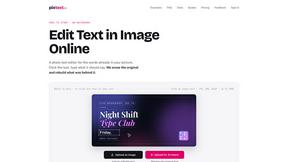
PixText
Free photo text editor: click any text in your image to change or remove it. AI rebuilds the background behind it, with no watermark. Free to start.
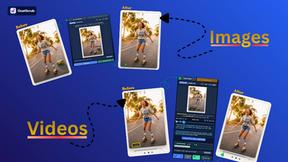
Goatscrub
Erase unwanted objects, moving people, burnt-in subtitles, logos, and blemishes from videos and photos using 3D optical flow and AI pattern repaint.
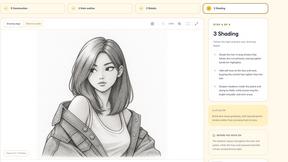
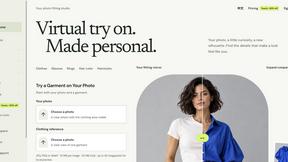
VirtualTryOn
Try on clothes, glasses, rings, hairstyles, and hair colors on your own photos with AI.
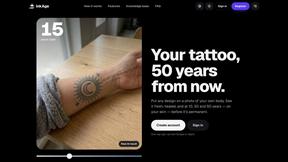
InkAge
Preview a tattoo on your own skin and see how it ages after 10, 30 and 50 years, or how laser removal would fade it.
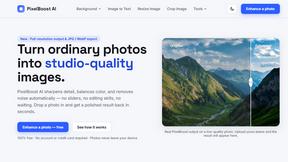
AI Pixel Boost
AI Pixel Boost offers free online AI image tools to enhance, upscale, resize, and edit images. Improve your photos with simple and powerful tools.
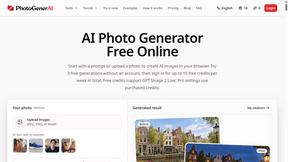
PhotoGenerAI
Create and edit AI photos from text prompts and reference images. Try free credits, with paid Pro settings available.

trykissai
AI kiss generator: add a photo of each person, pick a kiss scene, and get a kiss photo or a 5–7 second clip. 30 free credits.
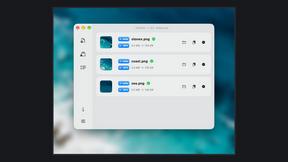
Zipic
Native image compression for Mac and Windows (Windows beta), with a local CLI and AI skill for automated image workflows.
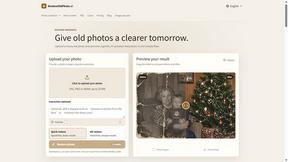
RestoreOldPhoto
Restore old photos with RestoreOldPhoto.ai: repair scratches, creases and fading, sharpen faces and details, and optionally colorize family memories.

AI Rap
AI rap generator that turns two portraits, or one photo of two people, into a short English duet rap video with original lyrics, vocals, and music.

Enhance My Photo
Online AI photo enhancer that sharpens portraits, products, scenery, pets and text images and exports JPEG/PNG/WebP without watermarks.
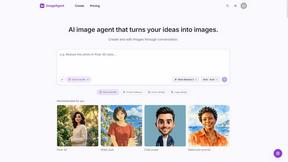
ImageAgent
Create and edit AI images through conversation, using text or reference images and refining results in chat.
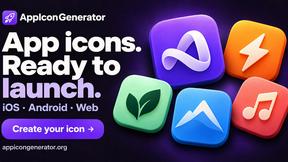
AppIconGenerator
Generate iOS and Android app icons from any image and export all platform sizes for free.
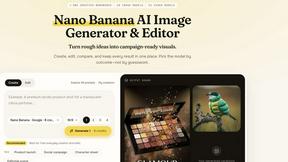
Nano AI
Create and edit AI images, generate videos, and compare models in one creative workbench.
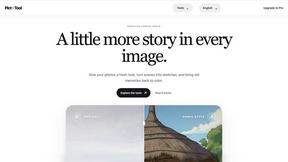
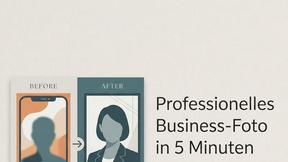
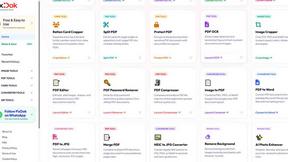
Pixdok
PixDok is a browser-based toolkit for common document and image tasks without requiring desktop software installation.
About Pixel Art Village Alternatives
Pixel Art Village is your go-to browser-based wizard for transforming any image into crisp, retro pixel art. It lives in the image-to-pixel-art converter category, a digital workshop for game devs and artists craving that classic 8-bit vibe. It’s the tool you hit when you need instant magic without the upload anxiety. But let's keep it a buck—no single app rules them all. People hunt for alternatives for all kinds of reasons. Maybe they need a desktop powerhouse, a different price tag, or a feature set that hits different. It’s all about matching the tool to your specific creative grind and workflow demands. When you're scoping out other options, you gotta know what's non-negotiable. Peep the core specs: does it process locally to keep your art secure? Can you tweak pixel size and crush the color palette? Nail down what you need, and you’ll find your perfect pixel-perfect sidekick.
FAQs about Pixel Art Village Alternatives
What is Pixel Art Village?
Pixel Art Village is a powerful online tool that converts images like PNG and JPG into pixel art directly in your browser, with full control over pixel size and colors.
Who is Pixel Art Village for?
It's built for game developers, designers, and pixel art enthusiasts who want to create retro-style sprites, icons, and visual assets quickly.
Is Pixel Art Village secure?
Yes, it's completely secure. All image processing happens locally on your device, so your files are never uploaded to any server.
What are the main features of Pixel Art Village?
Key features include adjustable pixel size, customizable color palettes, real-time preview, and fast, local processing for total privacy.