

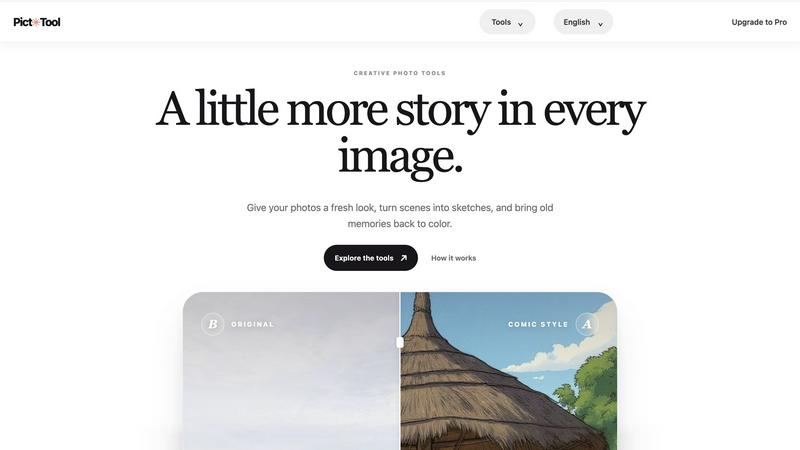
About picttool
PictTool is a browser-based collection of AI image tools for creating and editing visual content. Choose a tool for your task, upload an image or enter a prompt where supported, and follow the on-screen steps to create or refine your result. PictTool is designed for creators, marketers, designers, and anyone who wants a straightforward way to work with images online.
Explore more in this category:
Similar to picttool

LooksMeter
Upload one photo for a free PSL score and face rating. 47 tools cover face shape, symmetry, color season and more. No signup needed.

VirtualTryOn
Try on clothes, glasses, rings, hairstyles, and hair colors on your own photos with AI.

InkAge
Preview a tattoo on your own skin and see how it ages after 10, 30 and 50 years, or how laser removal would fade it.

AI Pixel Boost
AI Pixel Boost offers free online AI image tools to enhance, upscale, resize, and edit images. Improve your photos with simple and powerful tools.

AI Room Makeover
Explore room redesigns and focused furniture, wall-color or material changes from your photo, with optional reference images.

PhotoGenerAI
Create and edit AI photos from text prompts and reference images. Try free credits, with paid Pro settings available.

The Kiss
Turn two photos into a cinematic AI kissing video. Pick one of 13 kiss video templates; 30 free credits on sign-up.

trykissai
AI kiss generator: add a photo of each person, pick a kiss scene, and get a kiss photo or a 5–7 second clip. 30 free credits.