
Alternatives to Lens AI - Reverse Image Search
Explore the best alternatives and competitors to Lens AI - Reverse Image Search.
Explore 20 alternatives to Lens AI - Reverse Image Search. Compare features, pricing, and find the best fit for your needs.

dreamina ai
Make any images possible — generate, edit, and transform images with AI models like GPT Image and Gemini in seconds.
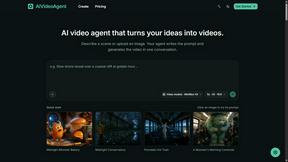
AIVideoAgent
Turn text ideas or reference images into videos through conversation, with agent-assisted prompts and a choice of video models.
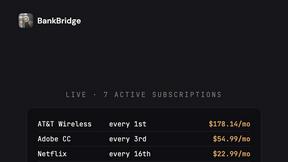
BankBridge
Let your AI agent answer questions about your real bank data. Read-only access, $5/mo per connected bank, cancel any time.

LaunchIntel
Your AI agent picks relevant directories, submits your product in your browser and tracks every step. One-time purchase.

Easemic
Free open-source Android comic & manga cloud reader streaming encrypted libraries from S3, WebDAV & OPDS.

Rhinobird
AI video ads, UGC-style videos, and product visuals for cross-border sellers and e-commerce brands.

GenX
All-in-one AI workspace to generate images, videos, and audio with multiple leading AI models.

KS-Agents
Measure climate, talent and skills with validated surveys, 360° feedback and AI interviews, and turn the data into decisions HR can defend.

Bloom
An adaptive AI tutor that turns topics or your materials into courses, lessons, and answers tailored to how you learn.
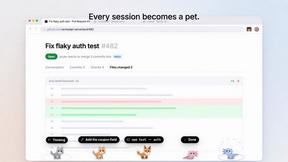
Agent Pets
Your Claude Code & Codex sessions as pets in Chrome. Approve, deny and reply to your coding agents from any tab.
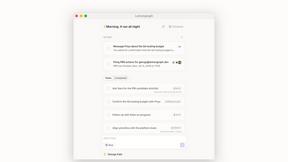

Zeptap
Zeptap lets AI use your real iPhone like you do: open apps, read the screen, tap, swipe and type. Reply to DMs, post Stories, book rides, test apps.
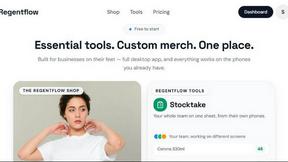
Regentflow
AI stocktakes, staff rosters and voice-typed spreadsheets for cafes, bars and restaurants, plus free invoices, 30 PDF tools and custom merch.
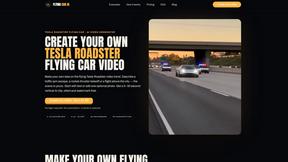

Burning Bridges AI
Turn one photo into the chandelier-party video: pick a moment, get an 8-second clip with sound.
AIClothesChanger
Free AI clothes changer online. Swap outfits and try on clothes from a photo in minutes — create a free account to start, no card required.
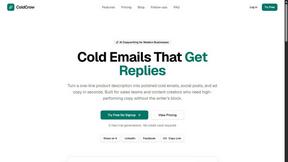
ColdCrow
AI cold email writer with a deliverability score - describe a prospect, get a personalized draft in seconds.

Tapetide
AI-first stock research for India. Ask TapeAi about any NSE or BSE stock, or connect Claude, ChatGPT and Cursor to Tapetide's MCP server.
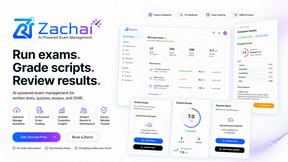
Zachai
Host exams for any class: handwritten papers, quizzes, essays and OMR sheets. AI drafts grades against your rubric; you edit and publish.
About Lens AI - Reverse Image Search Alternatives
Alright, let’s cut the fluff and get straight to the point. You’re here because you already know the digital jungle is full of tools that promise the moon but deliver a dusty rock. Lens AI - Reverse Image Search is a freemium mobile beast that lives in the AI Assistants category, built to turn your camera roll into a search engine for plants, bugs, coins, landmarks, and even your lunch’s calorie count. It’s the go-to for students, travelers, and collectors who need instant answers without typing a single keyword. But let’s be real—sometimes the vibe isn’t right. Maybe the free tier feels too tight, the results don’t pop on a low-light photo, or you need desktop support that this mobile-first app isn’t built for. That’s why the hunt for an alternative is real. When you’re scoping out a new sidekick, don’t just swipe right on the first shiny icon. You need to check the basics: does it handle your specific niche (plants vs. products vs. text translation) without bugging you for a credit card every five minutes? Look for speed, accuracy, and how it handles garbage lighting or blurry pics—because nobody has time for a tool that chokes on a bad angle. Also, consider platform flexibility: if your workflow is split between iOS, Android, and a desktop, you’ll want something that doesn’t leave you stranded. Finally, verify if the AI lets you fact-check its guesses, especially for stuff like food or medicine. Don’t let a slick UI fool you—performance under pressure is what counts.
FAQs about Lens AI - Reverse Image Search Alternatives
What is Lens AI - Reverse Image Search?
Lens AI - Reverse Image Search is a freemium mobile app available on iOS and Android that uses AI to identify objects, plants, animals, landmarks, products, and text from photos. It functions as a visual search and object recognition tool, allowing users to snap or upload an image to receive labels, descriptions, and related search results. The app also includes features like photo-based text translation and calorie estimation from food images, making it a versatile assistant for on-the-go identification.
Who is Lens AI - Reverse Image Search for?
This app is designed for students, travelers, shoppers, collectors, hikers, and anyone who needs fast visual identification in the field. It fits users who want to identify plants and insects during nature walks, check landmarks while traveling, compare products from packaging, or research collectibles like coins. The mobile-first workflow targets people who prefer camera capture and gallery import over manual searching, especially those needing quick results for learning, trip planning, or cataloging finds.
Is Lens AI - Reverse Image Search free?
Yes, Lens AI offers a free tier that allows users to perform visual searches and object recognition without immediate payment. However, it is a freemium product, meaning some advanced features or higher usage limits may require a subscription or in-app purchase. The free version provides core functionality like plant, animal, and product identification, making it accessible for casual users.
What are the main features of Lens AI - Reverse Image Search?
Key features include reverse image search, object recognition, and visual search across categories like plants, animals, rocks, insects, coins, food, landmarks, and products. The app also offers photo-based text translation and calorie estimation from food photos for dietary tracking. It relies on camera capture and gallery import, with results dependent on image quality, lighting, and subject visibility, and users are advised to verify AI outputs for critical decisions.