
Alternatives to FeatureImg
Explore the best alternatives and competitors to FeatureImg.
Explore 20 alternatives to FeatureImg. Compare features, pricing, and find the best fit for your needs.
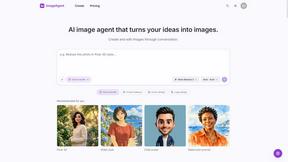
ImageAgent
Create and edit AI images through conversation, using text or reference images and refining results in chat.


GenX
All-in-one AI workspace to generate images, videos, and audio with multiple leading AI models.
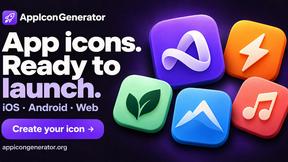
AppIconGenerator
Generate iOS and Android app icons from any image and export all platform sizes for free.
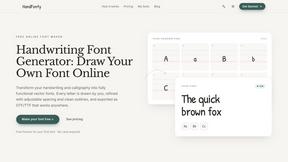
HandFonty
Draw each letter in your browser and download your handwriting as a real OTF/TTF font. Your first font is free. No AI required.

Design.com AI Image Generator
Turn text prompts into polished, copyright-safe visuals that plug directly into branded templates
FastH3 Omni
Run FastH3 Omni in your browser. Up to 9 reference images plus 3 audio references become a 5–15s clip with synced audio. No install, no GPU.
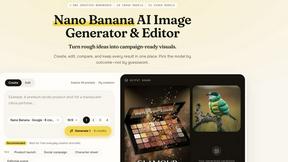
Nano AI
Create and edit AI images, generate videos, and compare models in one creative workbench.
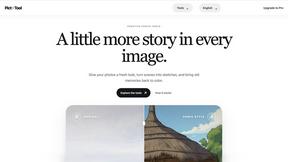

YIX
YIX combines AI image and video generation, photo editing, restoration, product visuals and free prompt tools in one browser studio.
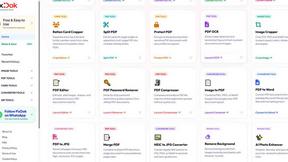
Pixdok
PixDok is a browser-based toolkit for common document and image tasks without requiring desktop software installation.
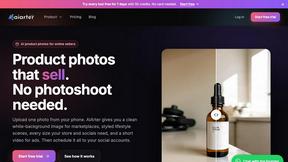
AiArter
AI product photos and UGC video ads for Amazon, Etsy and Shopify sellers, made from one phone photo.
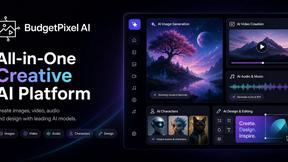
Budgetpixel AI
Create and edit AI images, videos, music, and designs in one workspace, with multiple models, reusable characters, and API access.
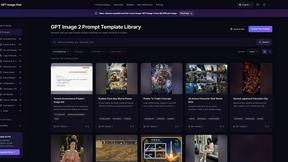
GPT Image Hub
Curated image prompts, reusable templates, and multi-model AI generation in one workspace.
NanoBanana
Generate and edit AI images with six models, references, templates, and a visual workflow canvas.
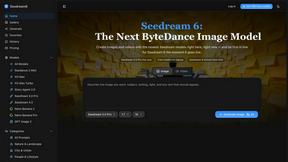
Seedream 6
Independent Seedream 6 guide with a browser-based AI image and video generator powered by Seedream 5.0 Pro and 5.5.
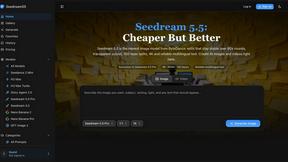
Seedream 5.5
Seedream 5.5 by ByteDance: 80+ rounds of stable image editing, native RGBA transparency, 100-layer splits, 4K output and reliable multilingual text.
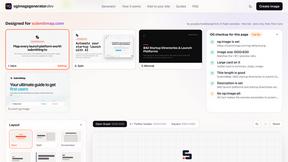
ogimagegenerator.dev
Paste a URL and AI designs on-brand Open Graph images from your page's colours, fonts and logo. Free, no sign-up.

Ozil Goal AI
Make the Ozil goal AI video from one photo. 15 seconds, 9:16, 720p, no watermark, original trend sound, ready for TikTok, Reels and Shorts.
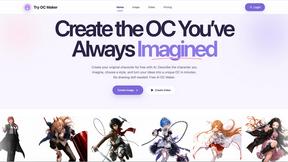
Try OC Maker
Create OCs from text or images, customize their look, and turn them into animated videos with AI.
About FeatureImg Alternatives
FeatureImg is your go-to browser-based featured image maker, designed to help creators, bloggers, marketers, and small teams whip up stunning visuals in mere minutes. It takes the hassle out of design by transforming simple titles and templates into eye-catching graphics for blog covers, social media posts, and more. As part of the Design Tools category, FeatureImg stands out for its user-friendly interface and streamlined workflows, making it a hit for those who want to elevate their content without the steep learning curve of traditional design software. However, users often find themselves on the hunt for alternatives due to various reasons, including pricing, feature sets, or compatibility with specific platforms. When exploring options, it's essential to evaluate what each alternative offers in terms of ease of use, customization capabilities, and the speed at which you can create polished visuals. Look for tools that not only meet your budget but also align with your creative needs and workflow preferences, ensuring that you can continue to produce high-quality content without breaking a sweat.
FAQs about FeatureImg Alternatives
What is FeatureImg?
FeatureImg is a browser-based tool designed for creating polished featured images quickly and easily. It allows users to transform basic titles and templates into visually appealing graphics ideal for blogs, social media, and Open Graph previews. The platform caters to creators, marketers, and small teams who need to produce high-quality images without diving deep into complex design software.
Who is FeatureImg for?
FeatureImg is perfect for bloggers, social media managers, marketers, and content creators who want to enhance their visual storytelling. It's designed for individuals and small teams looking to produce consistent, high-quality images quickly, making it an ideal choice for those who may lack extensive design experience. If you're looking to streamline your content creation process, FeatureImg has you covered.
Is FeatureImg free?
FeatureImg operates on a subscription model, which means it's not entirely free, but offers various pricing plans designed to accommodate different budgets. Users can choose a plan that best suits their needs, allowing for flexibility as their content creation demands grow. It's worth checking out the specific features included in each plan to find the right fit.
What are the main features of FeatureImg?
FeatureImg boasts a range of features geared toward simplifying the image creation process. Users can select from ready-made formats, apply polished templates, and easily edit text to create stunning visuals. The platform also offers quick previews and easy export options, making it an efficient choice for fast content publishing and streamlined marketing workflows.