

SilentCut
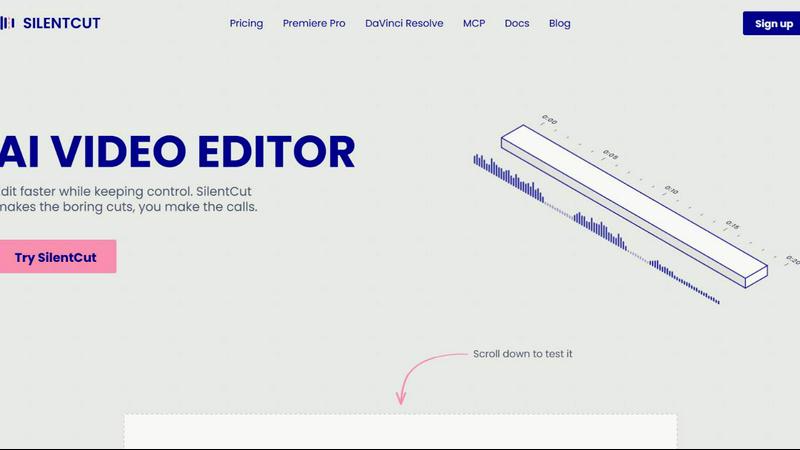
SilentCut finds pauses, filler words and repeated takes in talking footage, then prepares cuts for review in your editing workflow.
About SilentCut
SilentCut is aimed at people editing spoken footage who want help with the repetitive first pass, but still want to inspect the edit. It finds silences, filler words and repeated takes, then makes cuts that wait for review. That review step is useful when the timing or meaning of a spoken take needs human judgment.
Its product footprint spans a web editor and plugins for Premiere Pro and DaVinci Resolve. Editors can install the desktop plugins on Windows or macOS and connect with an API key. For AI-assisted cleanup, the main planning question is monthly footage: an AI hour represents an hour of footage run through Speech Cleanup or Best-Take Selector, while silence removal is excluded. The free option can therefore suit a simple gap-removal task, while more involved cleanup requires accounting for the monthly allowance and job limits.
Features of SilentCut
- Makes a reviewable pass over silences, filler words and repeated takes.
- Reports silent gaps as a Dead Air Ratio and offers sensitivity control.
- Supports browser use and plugins for two named editing applications.
- Provides installation instructions for Windows and macOS.
Use Cases of SilentCut
- Review automated edits to interviews and other spoken recordings.
- Keep silence removal separate from AI-hour-consuming speech tools.
- Decide whether footage volume fits the monthly allowance before processing.
Frequently Asked Questions
What is an AI hour?
It is an hour of footage processed with Speech Cleanup or Best-Take Selector. A recording counts once per month, whichever of those tools run.
Does silence removal use that allowance?
No. Silence Remover does not use AI hours.
Do I need to switch editors to use SilentCut?
No. The product offers a web editor and plugins for Premiere Pro and DaVinci Resolve.
Pricing of SilentCut
SilentCut has a free plan with unlimited Silence Remover use and one job at a time. Paid plans are monthly or annual: Editor includes 20 AI hours per month, and Agency includes 60.
Similar to SilentCut


Seedream 5.5
Seedream 5.5 is an independent image creation and editing workspace for prompts, reference images, and adjustable output settings.

Thridy
Find consistent 3D icons as transparent PNGs, with daily download limits and attribution on the free plan and paid upgrades.

Flux3Max.io
Flux3Max.io creates short videos from prompts, photos, or keyframes, with sound and portrait or landscape output options.

LayerSplit
LayerSplit converts a flattened image into editable layers, rebuilding the background and exporting transparent PNGs or a layered PSD.


Neurohelper AI
A multi-model workspace for making chat, images, video and audio, with shared credits and a way to continue projects across creative tools.

PullClip
PullClip makes supported video and audio downloads simple, with source-based quality choices, clip trimming and frame export.