

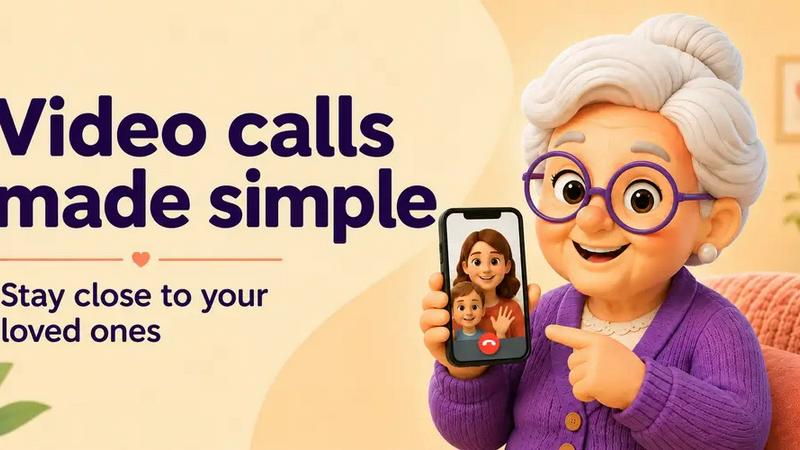
About MiNonna: Senior Video Calls
MiNonna was inspired by a very simple problem: video calling is easy for most of us, but it can still feel unnecessarily complicated for older adults.
Too many apps assume that every user is comfortable navigating contacts, notifications, menus and multiple call controls.
For someone who rarely uses a smartphone, even starting a video call can become frustrating.
Families often end up providing instructions repeatedly, while the person they want to stay connected with may avoid calling altogether.
We wanted to create a much simpler experience: a single tap connects grandma (or grandpa) to a default contact. And just like that, they're now able to make a videocall!
The idea evolved significantly while building it. Initially, we focused mainly on simplifying the interface. Over time, we realised that simplicity is not just about using larger buttons or removing features. It also means reducing uncertainty, preventing accidental actions, simplifying onboarding and designing every screen around what the least technical user needs to understand.
MiNonna gradually became a focused alternative to general-purpose communication apps: not another social network or messaging platform, but a private, straightforward way for families to stay connected through video calls.
The goal has remained the same throughout the process: make technology disappear as much as possible, so that the conversation becomes the only thing that matters.
Explore more in this category:
Similar to MiNonna: Senior Video Calls


Artcraft AI
AI image and video studio in your browser: generate and edit images, turn photos into videos, edit clips by sentence.

ViewMax Studio
AI video generator that turns one prompt into shorts, UGC-style ads and faceless videos, with script, voiceover and captions included.

Gas Station Dance AI
Turn your photos into a viral gas station dance video with AI

ToonBee AI
ToonBee AI turns a script or a one-line idea into a narrated cartoon video, keeping the same character in every scene. 10+ styles, 16:9 or 9:16.


HeyPolo
HeyPolo is a family and friends location-sharing app from the team behind Surfshark. Instead of tracking constantly, it lets each person choose when t
