

GPT Image 2
Unleash your creativity as GPT Image 2 transforms text prompts into breathtaking visuals in seconds.
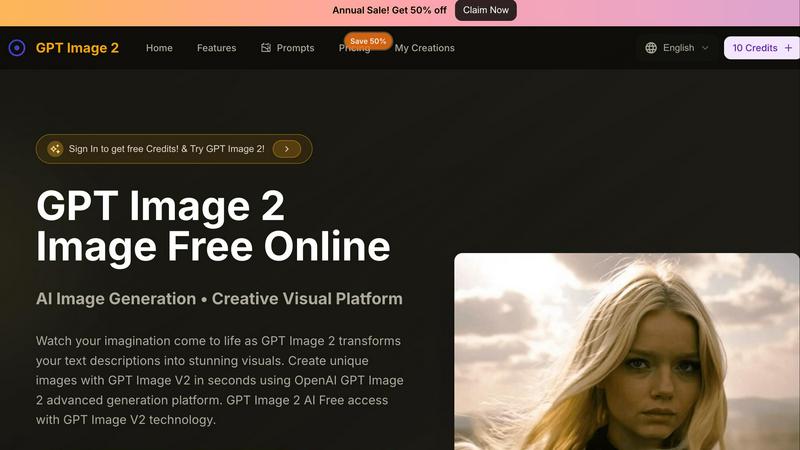
About GPT Image 2
Welcome to the future of creativity with GPT Image 2, your ultimate AI image generator that takes your wildest dreams and turns them into stunning visual realities in the blink of an eye. This powerhouse is powered by the cutting-edge GPT Image V2 engine, making it perfect for everyone—from curious newbies dipping their toes into the creative waters to seasoned digital artists looking for that extra spark of inspiration. With a sleek and intuitive interface, you simply describe what you want in plain text, and watch in awe as crisp, jaw-dropping 4K visuals materialize in mere seconds. Gone are the days of wrestling with complex design software or waiting endlessly for renders. With GPT Image 2, instant inspiration is just a few clicks away. Plus, it supports over 100 languages, ensuring that no creative mind is left behind. Whether you're generating images from scratch or editing existing photos with simple text commands, GPT Image 2 is your global creative studio, ready to unlock your imagination—all for free, with no credit card required.
Features of GPT Image 2
Instant Image Generation
With GPT Image 2, generating stunning visuals is as easy as typing your idea. Just input a descriptive text, and the advanced GPT Image V2 engine takes care of the rest, delivering high-resolution images in seconds. No design skills? No problem!
Easy Photo Editing
Not only can you create images from scratch, but GPT Image 2 also allows you to upload existing photos for editing. Transform your ordinary images by simply typing in your desired changes, making it an effortless process to enhance your visuals.
Multi-Language Support
GPT Image 2 breaks language barriers with support for over 100 languages. This means anyone, anywhere, can express their creative ideas and watch them come to life, making it a truly global platform for visual storytelling.
User-Friendly Interface
Designed with an intuitive workspace, GPT Image 2 puts creativity at your fingertips. The streamlined layout ensures that both beginners and experienced users can navigate the platform easily, focusing on creating rather than figuring out how it works.
Use Cases of GPT Image 2
Marketing Materials
Elevate your marketing game by generating eye-catching visuals that attract attention. Use GPT Image 2 to create unique graphics for social media, ads, or promotional content that stand out in a crowded market.
Concept Art Creation
Artists can use GPT Image 2 to quickly generate concept art for projects, allowing for rapid iteration on ideas. Whether it's a fantasy landscape or a futuristic cityscape, let your imagination run wild and bring your visions to life.
Educational Resources
Teachers and educators can create custom visuals to enhance learning materials. From infographics to illustrations that clarify complex concepts, GPT Image 2 provides a way to make education more engaging and visually appealing.
Personal Projects
Whether you're crafting a blog post, designing a personal website, or simply wanting to create art for fun, GPT Image 2 is your go-to tool. Turn your thoughts into personalized artwork that reflects your style and ideas.
Frequently Asked Questions
How do I get started with GPT Image 2?
Getting started is super easy! Simply visit the GPT Image 2 website, create an account, and dive right into the image generation process by entering your text description.
Are there any costs associated with using GPT Image 2?
You can start creating for free with no credit card required. There are premium options available for those who want to unlock additional features, but the basic functionality is completely free to use.
What types of images can I create with GPT Image 2?
You can create a wide range of images, from photorealistic landscapes to whimsical illustrations. Just describe your idea, and GPT Image 2 will generate it according to your specifications.
Is my data safe when using GPT Image 2?
Absolutely! GPT Image 2 prioritizes user privacy and security. Your images and data are kept safe and private, ensuring a worry-free creative experience.
Similar to GPT Image 2

HandFonty
Draw each letter in your browser and download your handwriting as a real OTF/TTF font. Your first font is free. No AI required.

Pixdok
PixDok is a browser-based toolkit for common document and image tasks without requiring desktop software installation.

Budgetpixel AI
Create and edit AI images, videos, music, and designs in one workspace, with multiple models, reusable characters, and API access.

GPT Image Hub
Curated image prompts, reusable templates, and multi-model AI generation in one workspace.

Seedream 5.5
Seedream 5.5 by ByteDance: 80+ rounds of stable image editing, native RGBA transparency, 100-layer splits, 4K output and reliable multilingual text.

ogimagegenerator.dev
Paste a URL and AI designs on-brand Open Graph images from your page's colours, fonts and logo. Free, no sign-up.

Try OC Maker
Create OCs from text or images, customize their look, and turn them into animated videos with AI.

Turbotools
Free online web tools: PDF converter, image compressor, word counter, text reverse, JSON formatter & generator. 100% free with no sign-ups!