
FilexHost vs Website-Blocker
Side-by-side comparison to help you choose the right AI tool.

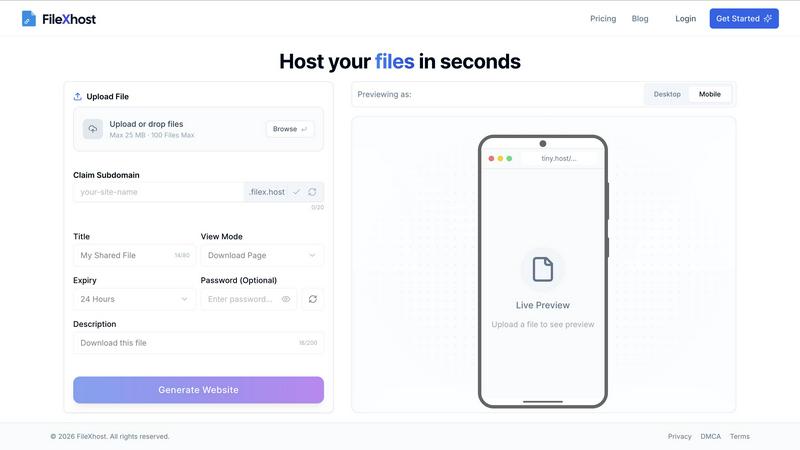
FilexHost lets you drag and drop files to create instant shareable links, making hosting and sharing a breeze.
Last updated: February 28, 2026

Website-Blocker
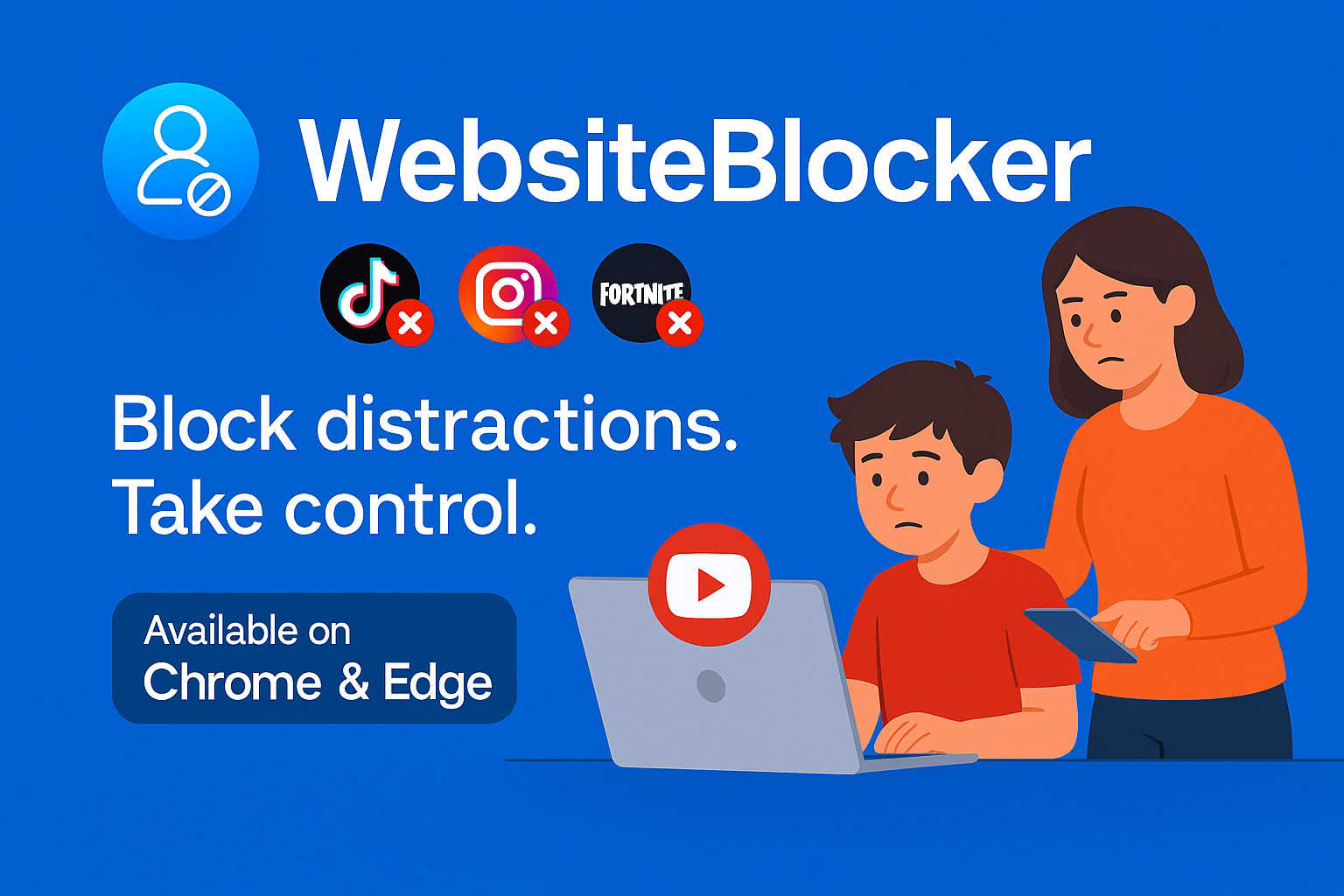
Take charge of your family's online safety with Website-Blocker, the ultimate parental control extension for a secure.
Last updated: February 26, 2026
Visual Comparison
FilexHost
Website-Blocker
Feature Comparison
FilexHost
Simple Drag & Drop
Forget about complex setups and command-line nightmares. With FilexHost, all you need to do is drag and drop your file into the generator. It’s as effortless as it sounds—no tech expertise required. This feature is designed for everyone who craves speed and simplicity.
Built-In Viewers
FilexHost automatically renders a seamless experience for various file types. Whether it's a PDF, spreadsheet, or media file, the platform provides dedicated viewers for each format. This means your audience can engage with your content directly in their browser, elevating the sharing experience.
Secure by Default
Security is non-negotiable in today's digital landscape. FilexHost provides automatic SSL certificates for all hosted files, ensuring that your data is encrypted and safe from prying eyes. Plus, with optional password protection, you can keep your sensitive files under wraps.
Blazing Fast Global CDN
Speed is the name of the game, and FilexHost delivers with its global Content Delivery Network (CDN). Your files are served from the nearest server, ensuring low latency and quick load times anywhere in the world. Say goodbye to frustrating delays and hello to instant access.
Website-Blocker
Comprehensive Site Blocking
Website-Blocker allows you to block specific websites, categories of content, or even create custom filters tailored to your family's needs, ensuring a safe browsing experience for your kids.
Real-Time Synchronization
Once you've set your blocking rules on one device, they sync instantly across all devices linked to your account. No need for repetitive setups; your family's safety is always up to date.
User-Friendly Management Portal
The online portal and mobile app provide a sleek interface to monitor and manage your settings easily. You can view blocked sites, adjust rules, and check usage stats, all from the palm of your hand.
Customizable Alerts and Notifications
Stay informed with real-time alerts about attempted access to blocked sites. Customize notifications to ensure you know when your kids try to venture into restricted online territory.
Use Cases
FilexHost
Quick Document Sharing
Need to send a report or a presentation without the fuss? FilexHost allows you to upload documents and get a shareable link in seconds. Perfect for last-minute submissions or collaborative projects—no login required for the recipient.
Showcasing Creative Work
Artists, designers, and creatives can host their portfolios effortlessly. With built-in viewers for images and PDFs, you can present your work in a professional manner that impresses clients and peers alike. It's all about making your creative vision shine.
Deploying Static Websites
Developers rejoice! FilexHost makes deploying static websites a breeze. Just zip your files, upload, and get a live URL to share with the world. Ideal for testing, demos, or even live projects, it saves you time and effort.
Storing Large Media Files
Got videos or high-resolution images to share? FilexHost supports large file uploads, making it the go-to solution for media professionals. With a dedicated media player and fast access, your audience can experience your content without any hiccups.
Website-Blocker
Protecting Young Browsers
Parents can use Website-Blocker to shield their little ones from inappropriate content, ensuring they only access age-appropriate websites that foster learning and creativity.
Reducing Digital Distractions
For older kids or teens, this tool helps eradicate distracting sites that lead them away from homework or productive activities, promoting a balanced approach to screen time.
Instilling Healthy Online Habits
Website-Blocker is perfect for parents looking to establish consistent and healthy screen time limits for their children, helping to create a structured digital routine.
Monitoring Online Activities
With all settings easily accessible, parents can regularly check and adjust what their children can access online, ensuring peace of mind while they surf the web.
Overview
About FilexHost
Welcome to FilexHost, the ultimate game-changer in file hosting that makes sharing files as easy as dragging and dropping. In a world where time is money and simplicity reigns supreme, FilexHost caters to everyone—from creatives needing to showcase their work, to professionals sharing important documents, and even developers deploying static websites. With a sleek interface and lightning-fast performance, FilexHost ensures your files are not just hosted, but served with style. You can host anything from presentations to videos, and even code snippets, all while maintaining a professional appearance with custom URLs. The magic happens in seconds, providing instant access to your files without the hassle of sign-ups or logins. Elevate your file-sharing experience with FilexHost, where speed, security, and simplicity converge.
About Website-Blocker
Website-Blocker is your ultimate digital bodyguard against the chaotic web, designed specifically for parents who refuse to compromise on their family's online safety. This powerful Chrome extension isn’t just a tool; it’s a game-changer, allowing you to take total control over the online environment your kids navigate every day. Forget about merely blocking a few undesirable sites; Website-Blocker empowers you to create a comprehensive digital landscape that promotes healthy browsing habits. Whether you're shielding your children from inappropriate content, banishing time-wasting distractions, or establishing solid screen time routines, this extension is your tech-savvy ally. It combines robust local browser capabilities with cloud-based synchronization, ensuring your protective measures are consistent across all devices in real time. With a sleek Progressive Web App (PWA) and an intuitive online portal, managing your family's digital safety has never been easier. Transform online anxiety into unshakeable peace of mind with Website-Blocker as your command center.
Frequently Asked Questions
FilexHost FAQ
What is FilexHost?
FilexHost is a user-friendly file hosting platform designed for effortless file sharing. It allows individuals and businesses to upload and share any type of file instantly, with a focus on speed, security, and ease of use.
Is it really free?
Yes, FilexHost offers a free tier perfect for quick sharing and testing. You can host up to 1,000 files with a maximum of 25 MB per file, making it an excellent choice for personal or light-use scenarios.
What file types are supported?
FilexHost supports a wide variety of file types including documents (PDF, RTF, TXT), data files (XLSX, CSV), images (JPG, PNG, WEBP), and media files (MP4, MP3). This versatility makes it suitable for many different use cases.
How do I update my site?
Updating your files on FilexHost is as simple as re-uploading the new version. Just drag and drop your updated file, and the platform will generate a new link if necessary. Your audience will always have access to the latest version.
Website-Blocker FAQ
How does Website-Blocker work?
Website-Blocker functions as a Chrome extension that allows you to block specific websites or categories of content. It syncs across all devices to maintain the same rules everywhere.
Can I customize the blocking rules?
Absolutely! You can create custom filters based on specific sites or categories, tailoring the online experience to fit your family's unique needs and values.
Is there a mobile app for managing settings?
Yes! Website-Blocker offers a user-friendly mobile app that allows parents to manage settings and monitor online activities directly from their smartphones.
What happens if my child tries to access a blocked site?
If a blocked site is attempted, you will receive an instant notification, allowing you to stay informed about your child's online activity and adjust settings if necessary.
Alternatives
FilexHost Alternatives
FilexHost is a revolutionary platform within the file hosting category that simplifies the way we share and manage files. With its intuitive drag-and-drop interface, users can effortlessly create shareable links for a variety of file types, from images to documents. However, as needs evolve, users often seek alternatives to FilexHost for reasons such as pricing, feature sets, or specific platform compatibility. Whether you’re a creative, a professional, or a developer, finding the right file hosting solution that aligns with your unique requirements is essential. When exploring alternatives, it’s crucial to focus on user-friendly interfaces, security features, and the ability to handle multiple file formats smoothly. Additionally, consider the performance and speed of the platform, as well as any cost factors that may influence your decision. Ultimately, the right choice will elevate your file-sharing experience and meet your demands seamlessly.
Website-Blocker Alternatives
Website-Blocker is your ultimate digital shield, designed to give parents the upper hand in managing their kids' online experiences. As a powerful Chrome extension, it falls squarely into the Productivity & Management category, combining local browser capabilities with cloud-based control to create a fortress of safety and focus. Users often seek alternatives for various reasons, including pricing, specific feature needs, or compatibility with different platforms. When hunting for a worthy alternative, consider what aspects matter most to you—whether it's the ability to customize filters, the ease of use across devices, or the robustness of parental controls. A solid alternative should empower you to build a secure and balanced digital environment for your kids, just like Website-Blocker does.