
StudyPal vs YouTube to Transcript
Side-by-side comparison to help you choose the right AI tool.

StudyPal
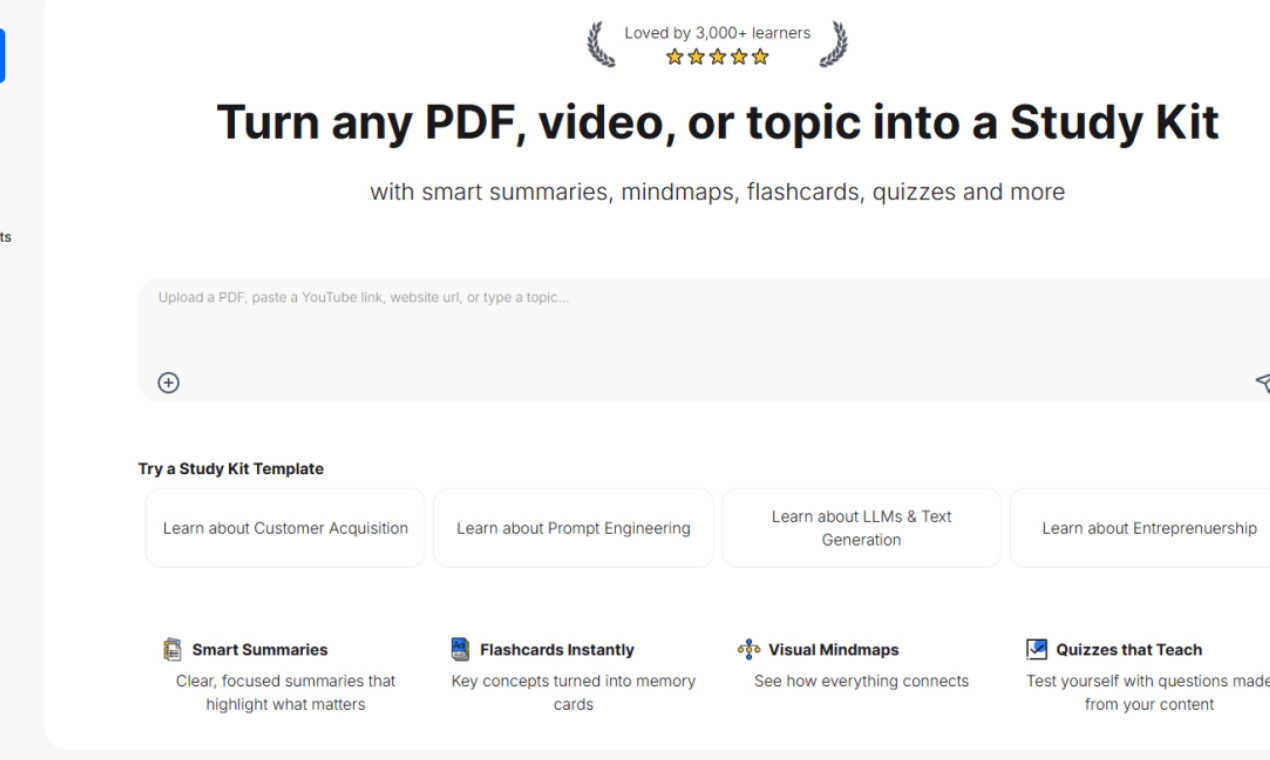
StudyPal transforms your study materials into smart summaries, flashcards, and quizzes for effortless learning.
Last updated: February 26, 2026

YouTube to Transcript
100% Free YouTube transcript extractor supporting translation in 125+ languages. No login or limits.
Visual Comparison
StudyPal
YouTube to Transcript

Overview
About StudyPal
Tired of drowning in a sea of PDFs, endless YouTube playlists, and your own chaotic notes? Say hello to StudyPal, the AI-powered study sidekick that transforms your learning experience into a breeze. This isn't just another note-taking app; it's a revolutionary learning transformation engine designed to streamline your study sessions. Drop in a dense textbook chapter, a lecture video, or even just a topic you're curious about, and watch as StudyPal instantly crafts a complete, interactive study kit just for you. Picture laser-focused summaries that hit the highlights, visual mind maps that make complex ideas click, and engaging flashcards that help you memorize like a pro. Plus, with quizzes that challenge and teach, you're not just testing your knowledge; you're expanding it. And let's not forget about your built-in AI tutor, ready to tackle those "dumb" questions anytime, delivering instant clarity right in your pocket. Whether you're a student cramming for finals, a professional leveling up your skills, or just a knowledge junkie, StudyPal adapts to your vibe and learning style. It's about working smarter, not harder—transforming hours of tedious prep into efficient, engaging, and effective study sessions. Join over 3,000 learners who've already ditched the grind and embraced smarter study habits with StudyPal.
About YouTube to Transcript
YouTube-to-transcript.org is a powerful, web-based utility designed for content creators, students, and researchers. It allows users to instantly extract high-quality transcripts and subtitles from any YouTube video by simply pasting the URL. Key Features:• Completely Free: No hidden costs or premium tiers.• Multi-language: Supports translation into over 125 languages.• No Restrictions: No limits on video duration and no registration required.• Clean Formatting: Export transcripts for SEO, notes, or content repurposing.