Quickfix AI vs Tickari
Side-by-side comparison to help you choose the right AI tool.

Quickfix AI
Quickfix AI delivers instant system diagnostics and AI insights, making tech troubleshooting a breeze for everyone.
Last updated: February 26, 2026

The no-nonsense task manager that actually helps you get things done. No clutter. No complexity. Just you and your tasks.
Visual Comparison
Quickfix AI
Tickari

Overview
About Quickfix AI
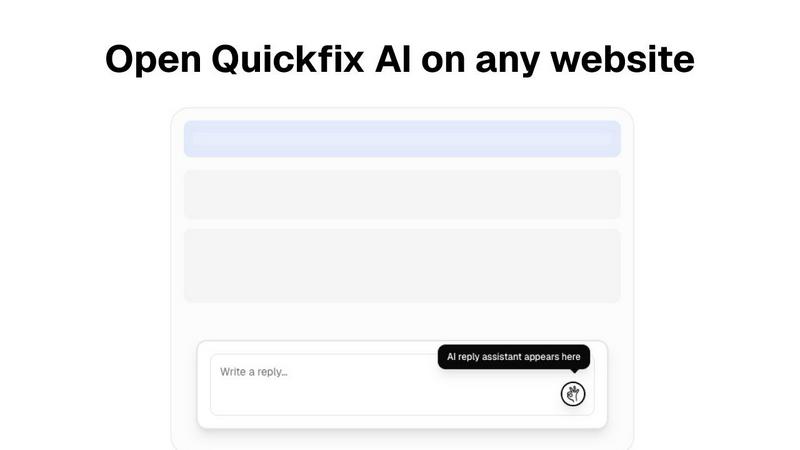
Quickfix AI is the ultimate game-changer in the realm of digital communication, serving as your trusty browser extension that's here to revolutionize how you interact online. Imagine a world where typing is a thing of the past; with just a single click, Quickfix AI generates the perfect response tailored to your context. Whether you’re juggling emails on Gmail, networking on LinkedIn, or managing customer inquiries on platforms like Zendesk and Slack, this tool is designed for everyone from busy professionals to multitasking parents. With seamless integration across all your favorite websites, Quickfix AI empowers you to save time and enhance productivity without the hassle of switching between tabs or the agony of writer's block. It delivers contextually relevant replies in an instant, keeping the conversation flowing and making your digital life smoother and more efficient. Say goodbye to mundane typing and hello to a new era of effortless communication!
About Tickari
Tickari is a deliberately minimal, no-nonsense task manager designed for people who are tired of overcomplicated productivity tools and just want to get things done. Instead of overwhelming you with features like complex boards, AI-generated suggestions, or endless customization, Tickari focuses on a simple, frictionless workflow: write a task, tick it off, and move on.
The product embraces a “less but better” philosophy—eliminating clutter, reducing cognitive overhead, and removing the need for onboarding tutorials or setup processes. There are no distractions, no unnecessary decisions, and no feature bloat—just a clean interface that works instantly the moment you open it. This makes it particularly effective for users who feel stuck organizing tasks instead of actually completing them.