Postal vs Tickari
Side-by-side comparison to help you choose the right AI tool.

Postal transforms your mail chaos into clarity, using AI to sort, summarize, and secure your important correspondence.
Last updated: February 26, 2026

The no-nonsense task manager that actually helps you get things done. No clutter. No complexity. Just you and your tasks.
Visual Comparison
Postal
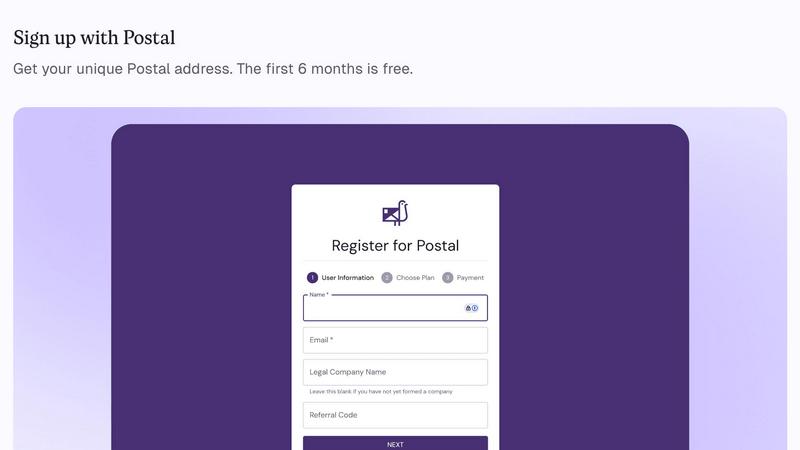
Tickari

Overview
About Postal
Welcome to the future of mail management with Postal, your ultimate virtual mailbox that transforms the way you handle your business correspondence. Say goodbye to the days of using your cramped apartment or that sketchy coworking space as a business address. Postal offers you a legit, professional street address that elevates your brand and gives you the credibility you deserve. This isn’t just a glorified P.O. Box; it’s your AI-powered command center for all things mail. Whether it's government documents, IRS letters, or vendor invoices, Postal has you covered. Our secure facilities receive your physical mail, which is then scanned and delivered to you digitally. But wait, there’s more! Our cutting-edge AI doesn't just scan; it analyzes and flags urgent items, providing instant summaries and actionable insights to keep you ahead of the game. Designed for startups, remote teams, and international entrepreneurs, Postal is your one-stop solution for escaping mail chaos. Get a real address, declutter your life, and operate from anywhere. Plus, with your first six months free, it’s time to step up your business game!
About Tickari
Tickari is a deliberately minimal, no-nonsense task manager designed for people who are tired of overcomplicated productivity tools and just want to get things done. Instead of overwhelming you with features like complex boards, AI-generated suggestions, or endless customization, Tickari focuses on a simple, frictionless workflow: write a task, tick it off, and move on.
The product embraces a “less but better” philosophy—eliminating clutter, reducing cognitive overhead, and removing the need for onboarding tutorials or setup processes. There are no distractions, no unnecessary decisions, and no feature bloat—just a clean interface that works instantly the moment you open it. This makes it particularly effective for users who feel stuck organizing tasks instead of actually completing them.