Meme Builder AI vs Prompt Builder
Side-by-side comparison to help you choose the right AI tool.

Meme Builder AI
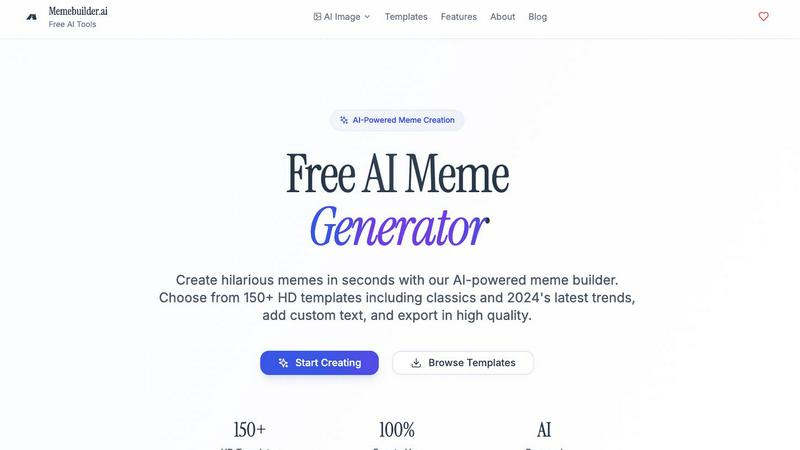
Create hilarious viral memes in seconds with Memebuilder.ai's AI-driven templates and limitless creativity.
Last updated: February 26, 2026

Prompt Builder
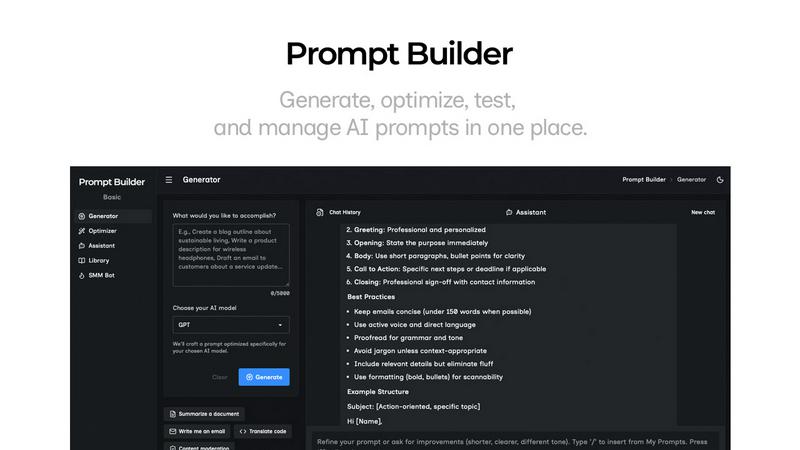
Generate, optimize, test, and manage AI prompts in one place. Turn an idea into a ready-to-use prompt in seconds.
Visual Comparison
Meme Builder AI
Prompt Builder
Overview
About Meme Builder AI
Meme Builder AI is the ultimate platform for anyone looking to create memes that pack a punch in seconds. Designed for social media managers aiming to amp up engagement or just meme lovers wanting to share a good laugh, this AI-powered tool caters to all. With a staggering 1 million signups and over 15 million memes generated, it stands out with its user-friendly interface and a treasure trove of meme templates. The heart of its value proposition lies in its ability to turn creative thoughts into viral sensations, thanks to intelligent AI-generated captions and a library of trending templates. Regardless of your expertise, Meme Builder AI democratizes meme-making, enabling everyone to express their humor and ideas visually. With support for over 110 languages, the meme-making fun is truly global. So, unleash your inner comedian and let Meme Builder AI guide you on the path to viral fame!
About Prompt Builder
Prompt Builder is a prompt engineering workspace for writing, testing, and saving prompts. Describe the task in plain English, and it helps you create a prompt that matches the model you choose. Start with a draft, refine it in chat, save or pin versions, then run them when you are ready. It works with GPT, Claude, Gemini, Llama, Mistral, DeepSeek, Grok, Perplexity, and more. You also get an Optimizer, an assistant for quick tests, and a library of reusable prompts and templates from the community. Turn an idea into a ready-to-use prompt in seconds. Refine it in chat, save it to your Library, and run it anytime.