Melograph vs Mp4To
Side-by-side comparison to help you choose the right AI tool.

Melograph
Transform your music into eye-catching videos in minutes with Melograph's customizable templates and audio-reactive.
Last updated: February 28, 2026

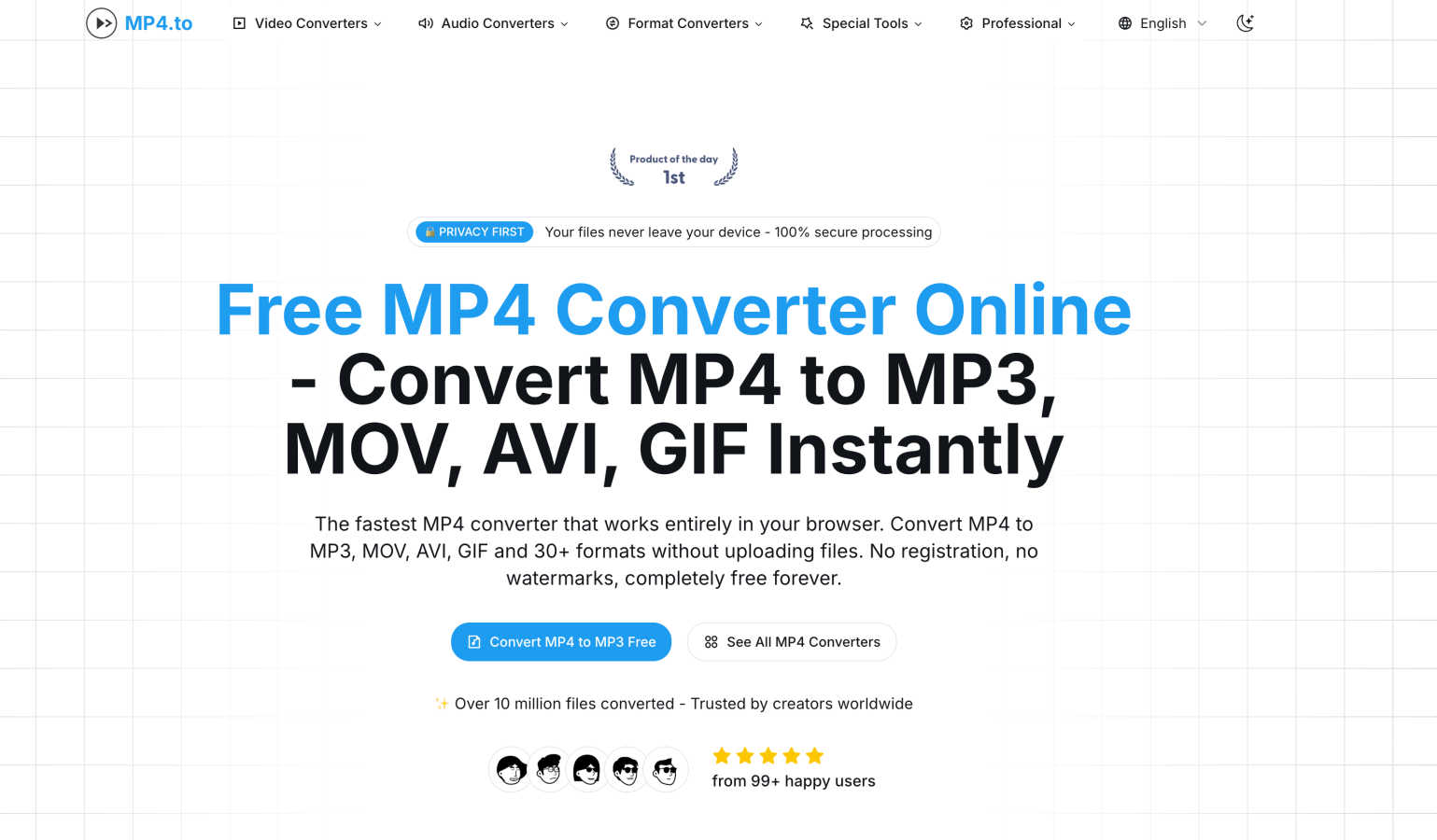
Transform your MP4s to 30+ formats instantly in-browser, keeping it free, fast, and totally private with no uploads.
Last updated: February 26, 2026
Visual Comparison
Melograph

Mp4To
Feature Comparison
Melograph
Easy Template Selection
Melograph offers a diverse library of beautifully crafted templates designed specifically for music. Choose from minimalistic styles to vibrant retro vibes that perfectly align with the mood of your track. This feature eliminates the guesswork, enabling you to select visuals that resonate with your sound instantly.
Audio-Reactive Visuals
Experience the magic of audio-reactive waves that dance to your music. As soon as you upload your audio, Melograph visualizes the sound in real-time, creating a dynamic spectacle that draws in viewers. This feature ensures that your visuals are not just pretty but also tied to the rhythm and energy of your track.
Quick Export Options
Get your music videos ready for the world with Melograph's fast and efficient export process. You can generate high-quality MP4 files in 1080p resolution, perfectly formatted for all major platforms. Say goodbye to long upload times and hello to instant sharing with your audience.
Customizable Artist Branding
Make your visuals truly yours by customizing them with your artist name, song title, and even your logo or album cover. This feature not only enhances your branding but also maintains a professional look across all your releases, making it easy to build a recognizable identity.
Mp4To
Privacy-First Processing
With Mp4To, your files never leave your device. All processing is done locally in your browser, ensuring that your data remains confidential and secure. No more worrying about leaks or privacy violations—just safe and private conversions every time.
Lightning-Fast Conversions
Powered by cutting-edge FFmpeg.wasm technology, Mp4To delivers rapid conversions without the need for uploads. This means you spend less time waiting and more time creating. Get your converted files almost instantly, whether you're converting a single clip or a batch of videos.
Extensive Format Support
Mp4To supports a whopping 30+ formats, including MP4, MOV, AVI, MP3, WAV, and FLAC. This extensive compatibility makes it incredibly versatile for all your audio and video needs. Whether you need to switch formats for a project or extract audio from a video, Mp4To has you covered.
Batch Processing Capability
Why waste time converting files one by one? Mp4To allows you to convert multiple files simultaneously, saving you precious time and effort. This feature is perfect for professionals and students alike who need to process several files in one go.
Use Cases
Melograph
Indie Artist Promotion
Indie artists can leverage Melograph to create eye-catching music videos that capture their unique sound and style. By using Melograph, they can produce stunning visuals that help them stand out in a crowded digital landscape, ensuring their music gets the attention it deserves.
Social Media Engagement
DJs and creators can use Melograph to generate engaging content for platforms like TikTok, Instagram Reels, and YouTube Shorts. With visually appealing videos that resonate with their audience, they can drive more traffic to their profiles and boost engagement rates effortlessly.
Label Marketing
Music labels can utilize Melograph to create consistent and professional-looking visual content for their entire roster of artists. This tool allows them to maintain a cohesive brand identity while showcasing multiple tracks in a visually appealing way, attracting more listeners and fans.
Event Promotion
Melograph can be a powerful asset for event promoters looking to market their upcoming shows. By creating stunning visuals of the featured artists’ tracks, they can generate buzz and excitement, enticing fans to attend and experience the live performances.
Mp4To
Content Creation
Creators can use Mp4To to quickly convert video files into different formats for various platforms. Whether you're prepping a video for YouTube or extracting audio for a podcast, this tool makes it easy to get the right format without any fuss.
Educational Needs
Students can benefit from Mp4To by converting lecture videos into audio files for easier listening on the go. This flexibility allows for better study sessions—perfect for those long commutes or while doing chores.
Professional Video Editing
Video editors can utilize Mp4To to convert raw footage into project-ready formats. With high-quality output and customizable bitrate settings, ensuring the best quality for your edits has never been easier.
Music Extraction
If you’ve ever wanted to grab that perfect track from a video, Mp4To lets you extract audio effortlessly. Convert MP4 files to MP3 or WAV formats, and keep your favorite tunes without the hassle of complicated software.
Overview
About Melograph
Melograph is your ultimate game-changer in the world of music visualization, designed with the hustle and flair of modern musicians and content creators in mind. Forget the old-school video editing grind; Melograph transforms your audio tracks into stunning, scroll-stopping visuals in just minutes. Its web-based platform is super user-friendly, letting you whip up mesmerizing audio-reactive videos with zero editing skills required. Whether you're an indie artist, a DJ, or a label looking to elevate your brand, Melograph has got your back. With a selection of premium templates that radiate vibes ranging from chill to cinematic, and retro to futuristic, you can effortlessly match the visual aesthetic of your sound. The main value proposition? Melograph streamlines the creation process, allowing you to focus on what truly matters—your music—while generating captivating content that’s ready to rock on social media and beyond.
About Mp4To
Mp4To is your ultimate go-to powerhouse for video and audio conversion, designed to make the process as seamless as it is secure. Forget the hassle of uploading your files to sketchy servers; with Mp4To, everything is processed right in your browser, ensuring your precious digital content stays exactly where it belongs—on your device. Whether you're a content creator, a student needing to convert lecture videos, or a professional looking for fast and reliable media conversion, Mp4To has got your back. With support for over 30 formats including MP4, MP3, WAV, and more, this tool offers lightning-fast conversions without sacrificing quality. Plus, there are no hidden fees or registration walls to trip you up—just pure, unadulterated power and privacy at your fingertips. Experience the liberation of hassle-free media management with Mp4To, where your files are yours and conversion is just a click away.
Frequently Asked Questions
Melograph FAQ
Do I need editing experience?
Not at all! Melograph is designed for everyone, so if you can choose a template and type in a title, you’re ready to create fantastic visuals without any prior experience.
Will this work for TikTok, Reels, or Shorts?
Yes! Melograph creates videos that are perfectly sized and formatted for all major social media platforms, including TikTok, Instagram Reels, and YouTube Shorts, making it easy to share your music.
Can I use it for multiple songs?
Absolutely! Melograph allows you to create visuals for multiple tracks, giving you the flexibility to promote different songs without any hassle.
Is it web-based?
Yes! Melograph is entirely web-based, meaning you can access it from any device with an internet connection, making it super convenient to create visuals on the go.
Mp4To FAQ
Is the MP4 converter really free?
Absolutely! Mp4To is 100% free with no hidden costs. You can convert your audio and video files without having to worry about registration or subscriptions.
Are my files safe and private?
Yes! All processing is done locally in your browser, ensuring that your files never leave your device. Your privacy is a top priority, so you can convert with confidence.
What video and audio formats are supported?
Mp4To supports over 30 formats, including MP4, MOV, AVI, MP3, WAV, FLAC, and more. This extensive range makes it easy to find the right format for any project.
Is there a file size limit?
Mp4To does not impose strict limits on file sizes, allowing you to convert larger files without hassle. However, keep in mind that processing times may vary based on your device's capabilities.
Alternatives
Melograph Alternatives
Melograph is your go-to web-based music visualizer maker designed for musicians and creators craving that jaw-dropping visual flair without the fuss of traditional video editing. With its slick and user-friendly interface, Melograph serves up the ability to generate mesmerizing audio-reactive videos in a flash. But let’s be real; sometimes, users find themselves on the hunt for alternatives due to factors like pricing, feature sets, or specific platform compatibility. When scouting for an alternative, think about what you really need. Are you after a wider range of customization options? Maybe you're hunting for something that fits snugly within your budget or offers unique features that Melograph doesn’t. Keep an eye out for tools that maintain that easy-to-use vibe while letting you amplify your music visuals to the next level.
Mp4To Alternatives
Mp4To is your go-to online powerhouse for converting MP4 files into over 30 different formats—all without the hassle of uploads. As a browser-based media lab, it combines cutting-edge technology with a commitment to user privacy. But why might you be on the hunt for alternatives? Perhaps you're seeking different features, platform compatibilities, or even more options when it comes to formats and conversion speed. The digital landscape is vast, and sometimes, the perfect fit requires a little exploration. When choosing an alternative, consider factors like the variety of supported formats, ease of use, privacy policies, and the overall speed of conversion. Are you looking for something that works seamlessly across devices? Or maybe you need specific features that cater to your unique content creation needs? Knowing what you want will help you find the right tool that matches your style and workflow, maximizing your creative potential without compromising on control or security.