Meet In The Middle vs Tickari
Side-by-side comparison to help you choose the right AI tool.

Meet In The Middle
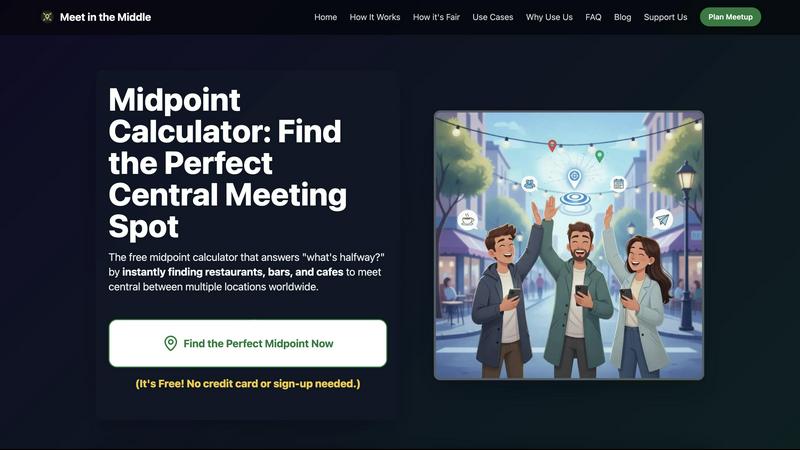
Meet In The Middle instantly finds the fairest hangout spot for you and your friends, no matter where you are.
Last updated: February 26, 2026

The no-nonsense task manager that actually helps you get things done. No clutter. No complexity. Just you and your tasks.
Visual Comparison
Meet In The Middle
Tickari

Overview
About Meet In The Middle
Welcome to the future of planning hangouts with Meet In The Middle, your go-to digital wingman for sorting out meetups without the fuss. Forget the back-and-forth group chats that lead to nothing but frustration. This innovative tool steps in as your digital peacemaker, deploying cutting-edge algorithms to pinpoint the fairest spot for your gathering, taking into account real-time traffic, transit schedules, and walking speeds. Whether you're coordinating a brunch with friends from opposite ends of the city or planning a reunion with family scattered across countries, this tool is your lifesaver. No sign-up needed, no hidden fees—just a user-friendly experience that’s trusted by over 50,000 savvy users worldwide. With Meet In The Middle, you save time and energy, allowing you to focus on what really matters: connecting with your crew and making unforgettable memories!
About Tickari
Tickari is a deliberately minimal, no-nonsense task manager designed for people who are tired of overcomplicated productivity tools and just want to get things done. Instead of overwhelming you with features like complex boards, AI-generated suggestions, or endless customization, Tickari focuses on a simple, frictionless workflow: write a task, tick it off, and move on.
The product embraces a “less but better” philosophy—eliminating clutter, reducing cognitive overhead, and removing the need for onboarding tutorials or setup processes. There are no distractions, no unnecessary decisions, and no feature bloat—just a clean interface that works instantly the moment you open it. This makes it particularly effective for users who feel stuck organizing tasks instead of actually completing them.