Maxrankr vs Prompt Builder
Side-by-side comparison to help you choose the right AI tool.

Maxrankr
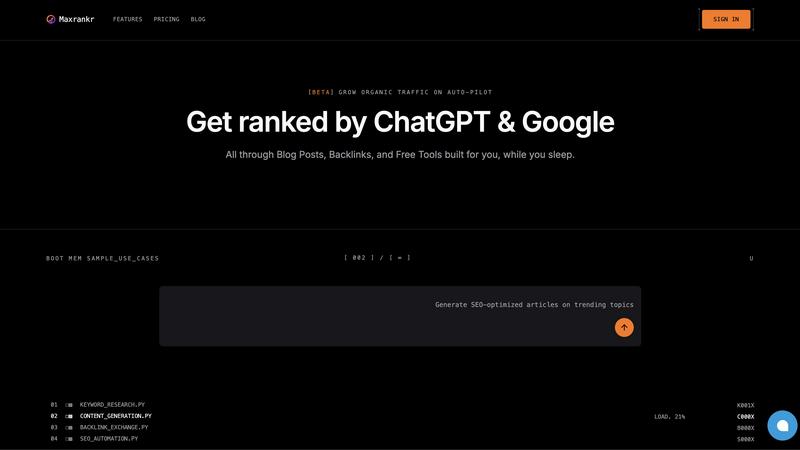
Maxrankr supercharges your SEO, automating traffic growth with AI-driven content and backlinks while you catch some Z’s.
Last updated: February 26, 2026

Prompt Builder
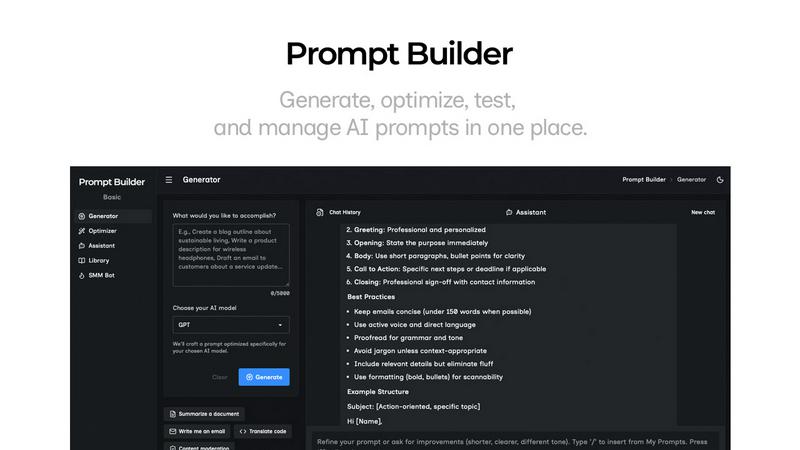
Generate, optimize, test, and manage AI prompts in one place. Turn an idea into a ready-to-use prompt in seconds.
Visual Comparison
Maxrankr
Prompt Builder
Overview
About Maxrankr
Maxrankr is the ultimate AI-powered growth engine crafted to elevate your SEO game without the hassle of manual labor. Designed for the modern hustler, this full-stack automation platform takes the grind out of SEO by seamlessly managing everything from keyword research to content creation and backlink building. Whether you're an entrepreneur tired of the tedious SEO hustle or a business scaling multiple sites, Maxrankr is your go-to solution for organic traffic growth on autopilot. Its core magic lies in a streamlined workflow that consistently churns out high-quality, SEO-optimized content while simultaneously boosting your domain authority. By automating daily AI-driven keyword research, Maxrankr uncovers hidden gems of high-volume, low-competition keywords that your competitors might overlook. With Maxrankr, you can finally reclaim your time and focus on what really matters—growing your business while the software does the heavy lifting.
About Prompt Builder
Prompt Builder is a prompt engineering workspace for writing, testing, and saving prompts. Describe the task in plain English, and it helps you create a prompt that matches the model you choose. Start with a draft, refine it in chat, save or pin versions, then run them when you are ready. It works with GPT, Claude, Gemini, Llama, Mistral, DeepSeek, Grok, Perplexity, and more. You also get an Optimizer, an assistant for quick tests, and a library of reusable prompts and templates from the community. Turn an idea into a ready-to-use prompt in seconds. Refine it in chat, save it to your Library, and run it anytime.