JSON to Video vs Video to Text
Side-by-side comparison to help you choose the right AI tool.

JSON to Video
Craft stunning, on-brand videos in 60 seconds with precise JSON prompts for Veo 3.1 and Seedance 2.
Last updated: February 26, 2026

Video to Text
Turn any video or audio into clean text in minutes.
Visual Comparison
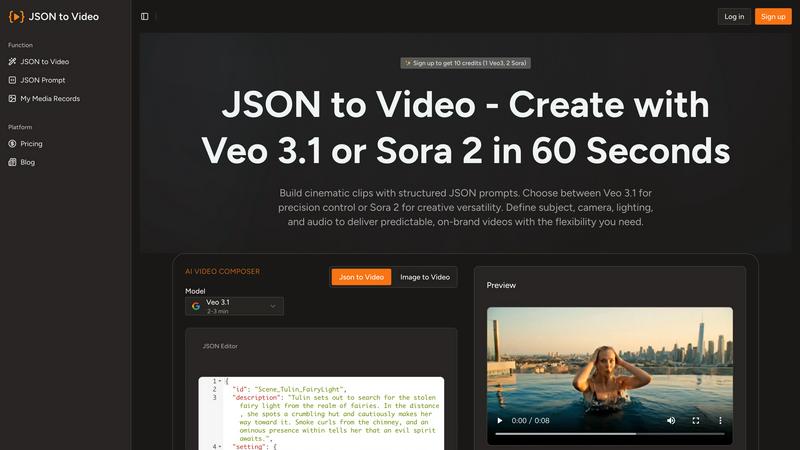
JSON to Video
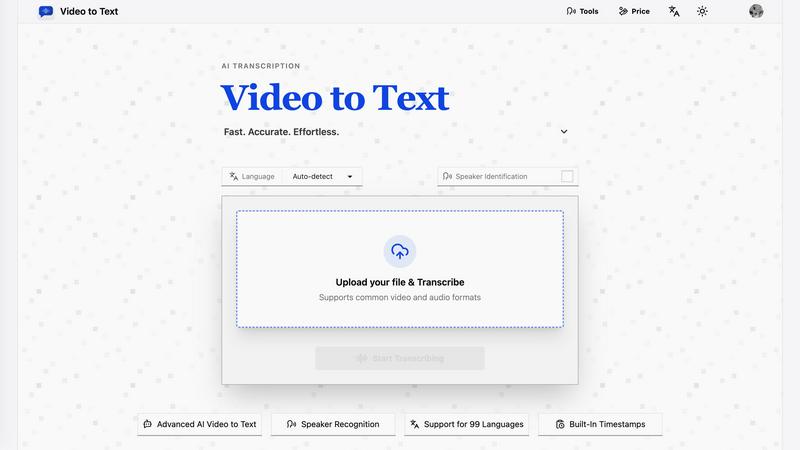
Video to Text
Overview
About JSON to Video
JSON to Video is a game-changing generative video tool that redefines the way creators, brands, and marketing teams produce visual content. By leveraging the structured nature of JSON prompts, it transforms organized data into cinematic short videos that uphold a high standard of quality. This platform empowers users to meticulously outline every aspect of their video, from subjects and camera angles to lighting and audio tracks, all through easily identifiable fields. This structured methodology enhances the video creation process, providing a level of precision that resembles a storyboard approach. Unlike traditional text prompts that leave room for interpretation and uncertainty, JSON to Video guarantees that creators can generate brand-aligned video clips with predictability. With a suite of pre-built templates, the platform makes it effortless to export videos in various aspect ratios, such as 16:9 and 9:16, streamlining integration across different platforms. By converting static images into dynamic motion and eliminating the need for expensive shoots, JSON to Video allows teams to create on-brand marketing videos at scale, ensuring that every frame reflects the intended creative vision.
About Video to Text
video to text is an ai-powered transcription service that converts video and audio files into clean, exportable text. the product is designed for creators, teams, and individuals who need fast, accurate speech-to-text conversion without setting up their own transcription pipeline.
the app combines a simple upload flow with automated processing, speaker-aware transcription, and flexible export options. users can upload media, wait for the transcription to finish, and then download the result in the format that best fits their workflow.