DreamFace vs Video to Text
Side-by-side comparison to help you choose the right AI tool.

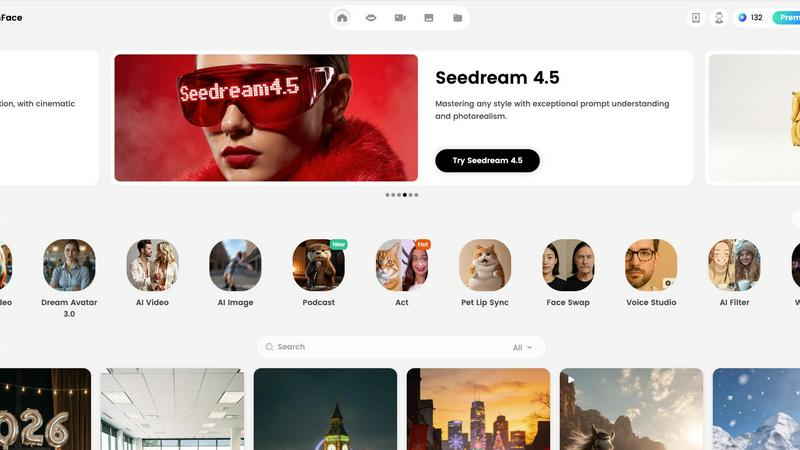
Create jaw-dropping avatar videos with lifelike voices in 19 languages, all powered by DreamFace's cutting-edge AI.
Last updated: February 26, 2026

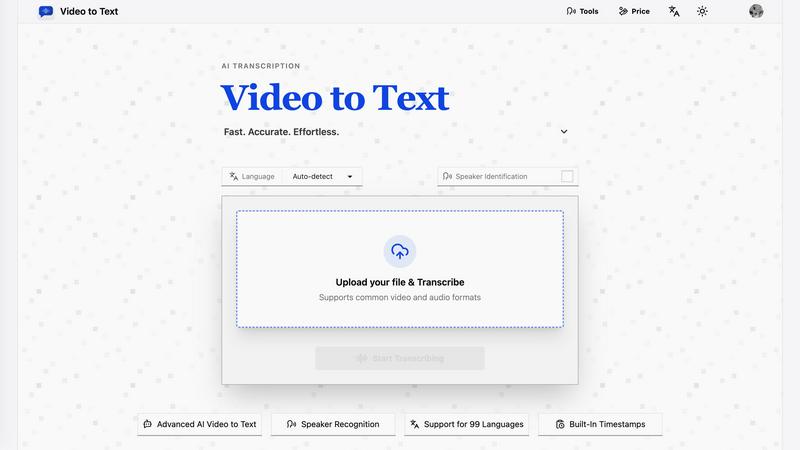
Video to Text
Turn any video or audio into clean text in minutes.
Visual Comparison
DreamFace
Video to Text
Overview
About DreamFace
Welcome to the digital utopia of creativity! DreamFace is your go-to AI-powered platform that's revolutionizing the way content is created. With over 20 million users and more than 200,000 paid subscribers, this tool is a game-changer for creators, marketers, and businesses. Imagine whipping up stunning avatar videos, mesmerizing AI-generated images, and engaging multimedia content with just a few clicks. That's what DreamFace is all about! Say goodbye to the tedious grind of editing and hello to an effortless creative process. Whether you're crafting social media content that stops thumbs in their tracks, explainer videos that clarify complex ideas, or marketing materials that capture attention, DreamFace has your back. Its innovative features, including background removal and photo enhancement, allow you to turn ordinary images into exceptional visual stories. Plus, with an intuitive interface, anyone can jump in and unleash their creativity, regardless of tech-savvy levels. Get ready to elevate your content game and impress your audience like never before!
About Video to Text
video to text is an ai-powered transcription service that converts video and audio files into clean, exportable text. the product is designed for creators, teams, and individuals who need fast, accurate speech-to-text conversion without setting up their own transcription pipeline.
the app combines a simple upload flow with automated processing, speaker-aware transcription, and flexible export options. users can upload media, wait for the transcription to finish, and then download the result in the format that best fits their workflow.