Crowdstake AI vs Tickari
Side-by-side comparison to help you choose the right AI tool.

Crowdstake AI
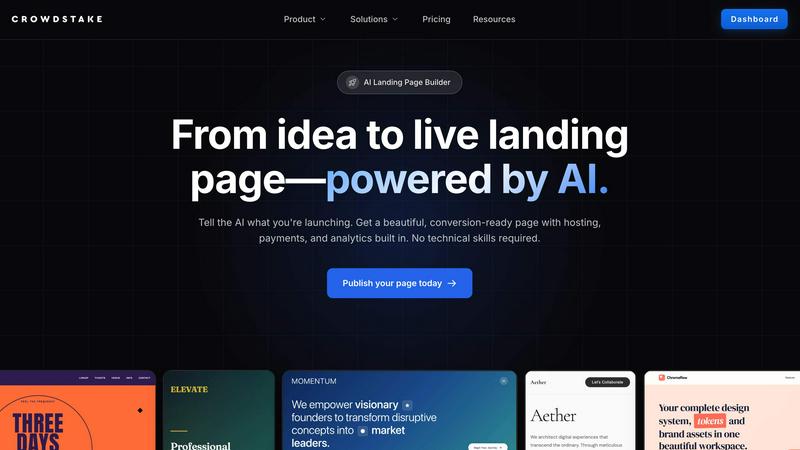
Launch stunning, high-conversion landing pages effortlessly with Crowdstake AI—no coding, just results.
Last updated: February 28, 2026

The no-nonsense task manager that actually helps you get things done. No clutter. No complexity. Just you and your tasks.
Visual Comparison
Crowdstake AI
Tickari

Overview
About Crowdstake AI
Crowdstake AI is your ultimate sidekick in the digital arena, engineered to empower founders and teams to create stunning, high-conversion websites without the usual headaches. This AI-powered platform combines the heavy lifting of website building, email capture, reservations, and analytics into one seamless system that’s a game changer for any entrepreneur. Say goodbye to juggling multiple tools and hello to a sleek, all-in-one solution that gets results.
Whether you're launching a brand-new product, gathering RSVPs for an event, or simply aiming to grow your email list, Crowdstake AI has your back. It generates on-brand, conversion-ready landing pages in a flash, complete with hosting and analytics baked right in. But it doesn't stop there; as users engage with your site, Crowdstake learns and optimizes in real-time, ensuring your messaging and layout evolve to maximize conversions. This means you can focus on what you do best—innovating and engaging with your audience—while Crowdstake handles the nitty-gritty of optimization. Get ready to transform visitors into loyal customers effortlessly!
About Tickari
Tickari is a deliberately minimal, no-nonsense task manager designed for people who are tired of overcomplicated productivity tools and just want to get things done. Instead of overwhelming you with features like complex boards, AI-generated suggestions, or endless customization, Tickari focuses on a simple, frictionless workflow: write a task, tick it off, and move on.
The product embraces a “less but better” philosophy—eliminating clutter, reducing cognitive overhead, and removing the need for onboarding tutorials or setup processes. There are no distractions, no unnecessary decisions, and no feature bloat—just a clean interface that works instantly the moment you open it. This makes it particularly effective for users who feel stuck organizing tasks instead of actually completing them.