AutoPhish vs Tickari
Side-by-side comparison to help you choose the right AI tool.

AutoPhish supercharges your team with AI-powered phishing simulations and training to outsmart cyber threats.
Last updated: February 26, 2026

The no-nonsense task manager that actually helps you get things done. No clutter. No complexity. Just you and your tasks.
Visual Comparison
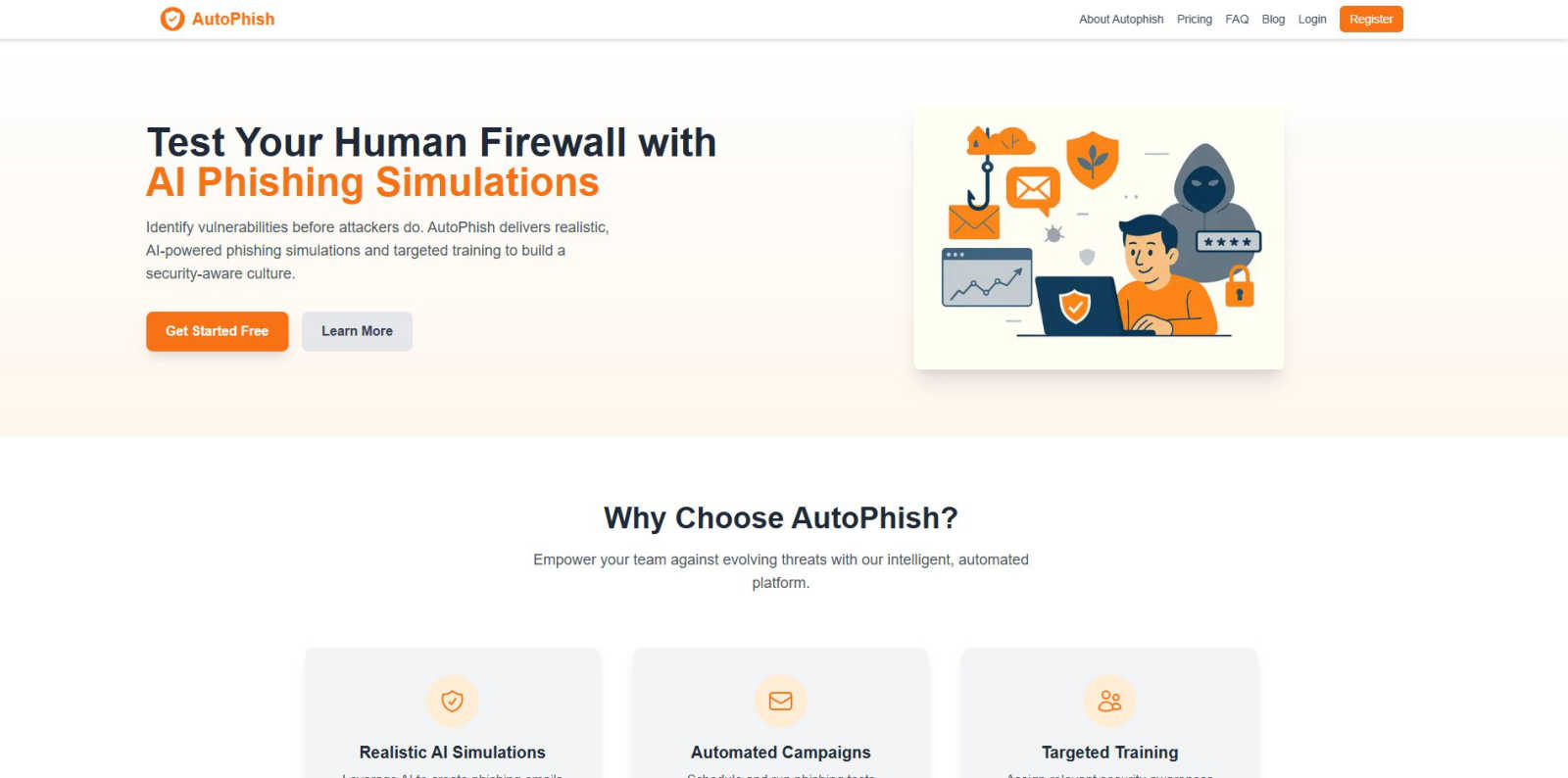
AutoPhish
Tickari

Overview
About AutoPhish
Welcome to the revolutionary world of AutoPhish, the ultimate AI-driven platform designed to elevate your organization's cybersecurity game! AutoPhish is not just another training tool; it's your frontline defense against the ever-growing menace of phishing attacks. We specialize in crafting hyper-realistic phishing simulations that mirror the tactics employed by cybercriminals, tailored specifically for your industry. This means your team is not just learning; they are experiencing real-world scenarios that prepare them to recognize and combat actual threats. With our automated campaigns, you can seamlessly conduct phishing tests at scale, ensuring that your workforce remains vigilant and informed without the hassle of manual intervention. Empower your employees with targeted security awareness training, giving them the skills they need to spot and thwart phishing attempts. By fostering a culture of security awareness, AutoPhish equips your organization to withstand the relentless tide of digital threats.
About Tickari
Tickari is a deliberately minimal, no-nonsense task manager designed for people who are tired of overcomplicated productivity tools and just want to get things done. Instead of overwhelming you with features like complex boards, AI-generated suggestions, or endless customization, Tickari focuses on a simple, frictionless workflow: write a task, tick it off, and move on.
The product embraces a “less but better” philosophy—eliminating clutter, reducing cognitive overhead, and removing the need for onboarding tutorials or setup processes. There are no distractions, no unnecessary decisions, and no feature bloat—just a clean interface that works instantly the moment you open it. This makes it particularly effective for users who feel stuck organizing tasks instead of actually completing them.