
Alternatives to Kling 5.0
Explore the best alternatives and competitors to Kling 5.0.
Explore 20 alternatives to Kling 5.0. Compare features, pricing, and find the best fit for your needs.
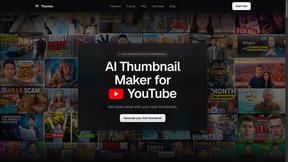
Thumbo
Thumbo makes YouTube thumbnails with AI: your face on every one, the style of any channel you like, and edits in plain words.
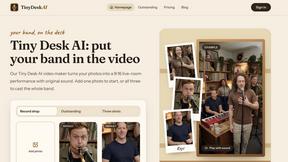
Tiny Desk AI Video Maker
Create a vertical Tiny Desk-style concert video from up to three photos with original music.
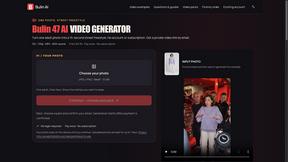
Bulin AI
Create a 15-second Bulin 47 AI freestyle video from one permitted portrait. One-time packs from $9.90, email delivery, no account or subscription.
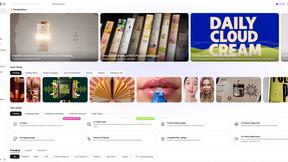
Rhinobird
AI video ads, UGC-style videos, and product visuals for cross-border sellers and e-commerce brands.

GenX
All-in-one AI workspace to generate images, videos, and audio with multiple leading AI models.
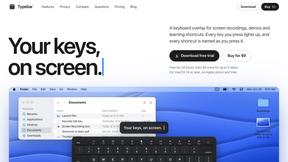
Typebar
Every key you press lights up on an on-screen keyboard, and each shortcut is named as you press it.
FastH3 Omni
Run FastH3 Omni in your browser. Up to 9 reference images plus 3 audio references become a 5–15s clip with synced audio. No install, no GPU.
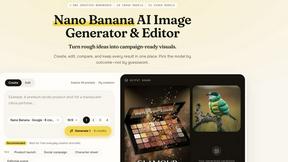
Nano AI
Create and edit AI images, generate videos, and compare models in one creative workbench.


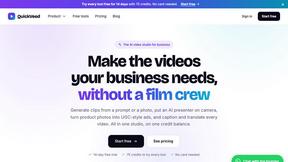
QuickVeed
AI video studio: subtitles translated into 32 languages, AI dubbing in your own voice, podcast-to-clips and 34 free video tools.
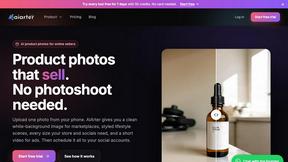
AiArter
AI product photos and UGC video ads for Amazon, Etsy and Shopify sellers, made from one phone photo.
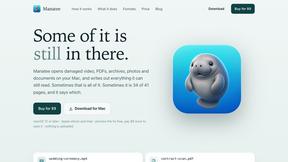
Manatee
A Mac app that opens damaged video, PDFs, archives and documents and writes out everything it can still read. $9 once, no uploads.
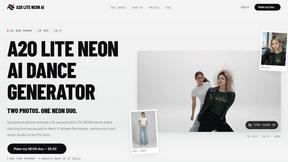
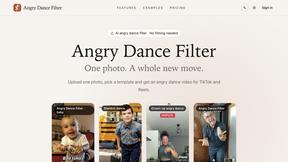
A2O LITE NEON AI
Upload two photos and get a 15-second AI video of those two people doing the A2O LITE NEON intro.
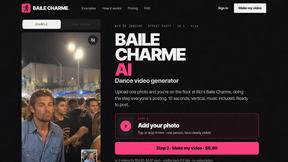
Baile Charme AI
Upload one photo and get a 10-second vertical AI video of you dancing the charme step in Rio.

Tip Toe AI
Upload a Dancer photo and a Partner photo and get your own AI Tip Toe barn-dance video. Free 5s preview, 12s HD from $4.90. No subscription.
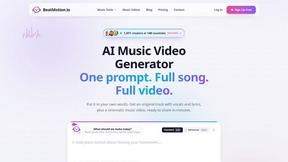
BeatMotion
Turn a text prompt, your lyrics, or a photo into an original song with vocals plus a cinematic AI music video, ready to share in minutes.

Ozil Goal AI
Turn one photo into the viral Özil goal meme video: you, your dog, a toy or a drawing scores. Free 5s preview, 10s 720p from $4.90. No subscription.
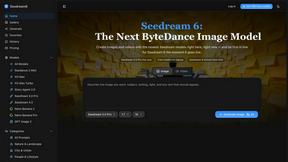
Seedream 6
Independent Seedream 6 guide with a browser-based AI image and video generator powered by Seedream 5.0 Pro and 5.5.
About Kling 5.0 Alternatives
Kling 5.0 is a total game-changer in the AI video creation space, letting you whip up pro-level 4K cinematic clips from a simple text prompt. It’s the ultimate tool for creators who want to skip the editing grind and just let their vision fly. But let's be real, no single app is the perfect fit for everyone. People hunt for alternatives for all kinds of reasons. Maybe the price tag doesn't vibe with your budget, or you need a specific feature that's missing. Perhaps you're locked into a different ecosystem, or you just want to test the waters and see what else is out there. It's all about finding the right tool for your unique creative flow. When you're scoping out other options, keep your non-negotiables front and center. Think about your must-have features, your budget ceiling, and how easy the platform is to actually use. Don't just chase the shiny object; find the tool that genuinely simplifies your process and amplifies your style.
FAQs about Kling 5.0 Alternatives
What is Kling 5.0?
Kling 5.0 is a cutting-edge AI video generator that transforms text prompts and scripts into professional-quality 4K cinematic videos, simplifying the entire creation process.
Who is Kling 5.0 for?
It's for creators, marketers, and anyone tired of complex editing software who wants to quickly bring their video ideas to life with AI-powered ease.
What are the main features of Kling 5.0?
Its core features include text-to-video and script-to-video generation, a library of customizable templates, and fine-grained control over scenes, text, music, and color.
Is Kling 5.0 free?
The provided content does not specify pricing, so it's best to check Kling 5.0's official website for current plan details and any free trial offers.