
Alternatives to Grok Imagine
Explore the best alternatives and competitors to Grok Imagine.
Explore 20 alternatives to Grok Imagine. Compare features, pricing, and find the best fit for your needs.

The Kiss
Turn two photos into a cinematic AI kissing video. Pick one of 13 kiss video templates; 30 free credits on sign-up.
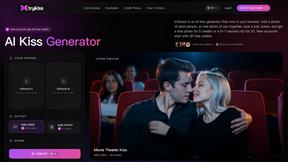
trykissai
AI kiss generator: add a photo of each person, pick a kiss scene, and get a kiss photo or a 5–7 second clip. 30 free credits.
Zipic
Native image compression for Mac and Windows (Windows beta), with a local CLI and AI skill for automated image workflows.
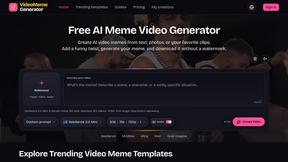
Free Meme Video Generator
Create AI video memes from photos, clips or text prompts. Free credits to start.

Selzee
Selzee is an AI ad generator that finds winning ads right now and recreates them for your brand, with your products, logo, fonts and colours.
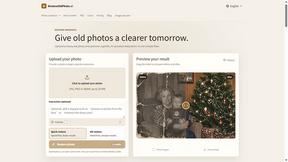
RestoreOldPhoto
Restore old photos with RestoreOldPhoto.ai: repair scratches, creases and fading, sharpen faces and details, and optionally colorize family memories.

Demo Editor
Paste your product's URL and get a promo video with voice-over and music, cut from your real site.
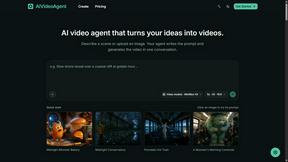
AIVideoAgent
Turn text ideas or reference images into videos through conversation, with agent-assisted prompts and a choice of video models.

Save X post
The easiest way to save X videos offline: no app to install and no account to create. Paste the link, choose HD or 4K, and the MP4 is yours.

AI Rap
AI rap generator that turns two portraits, or one photo of two people, into a short English duet rap video with original lyrics, vocals, and music.
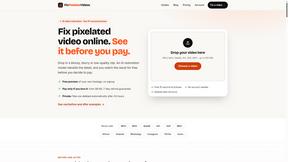
Fix Pixelated Videos
AI that fixes pixelated, blocky and blurry videos. Free 15-second preview, no signup.

Thumbo
Thumbo makes YouTube thumbnails with AI: your face on every one, the style of any channel you like, and edits in plain words.

Enhance My Photo
Online AI photo enhancer that sharpens portraits, products, scenery, pets and text images and exports JPEG/PNG/WebP without watermarks.
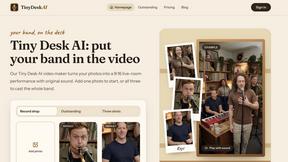
Tiny Desk AI Video Maker
Create a vertical Tiny Desk-style concert video from up to three photos with original music.
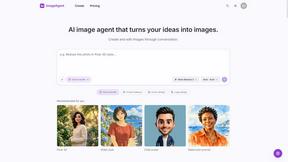
ImageAgent
Create and edit AI images through conversation, using text or reference images and refining results in chat.
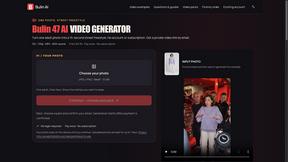
Bulin AI
Create a 15-second Bulin 47 AI freestyle video from one permitted portrait. One-time packs from $9.90, email delivery, no account or subscription.

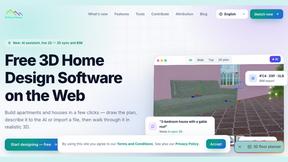
3D House Planner
Free 2D/3D home design in your browser: draw a floor plan, see it live in 3D, furnish it and get AI renders.
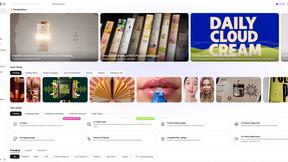
Rhinobird
AI video ads, UGC-style videos, and product visuals for cross-border sellers and e-commerce brands.

About Grok Imagine Alternatives
Grok Imagine is the next-gen AI video generator that lets you unleash your creativity like never before. With its slick text-to-video and image-to-video features, you can whip up stunning visuals that are perfectly synced with audio. Whether you want to keep it chill in Normal Mode, add a splash of personality in Fun Mode, or turn up the heat in Spicy Mode, Grok Imagine has got your back. It falls under the categories of Image & Photo, Video, and Image Generation, making it a versatile tool for anyone looking to create eye-popping content. However, many users find themselves on the hunt for alternatives to Grok Imagine due to various reasons. From pricing structures that don't fit their budget to specific features that might be missing, the search for the perfect tool can be a wild ride. When choosing an alternative, consider factors like user interface, customization options, platform compatibility, and pricing plans to ensure you find a solution that suits your creative flow and meets your project needs.
FAQs about Grok Imagine Alternatives
What is Grok Imagine?
Grok Imagine is an advanced AI video generator that allows users to create captivating videos from text and images. It syncs audio with visuals, offering a seamless way to produce content. With various modes available, including Normal, Fun, and Spicy, users can tailor their video style to match their brand or project needs.
Who is Grok Imagine for?
Grok Imagine is designed for content creators, marketers, educators, and anyone looking to elevate their visual storytelling. Whether you're a social media influencer wanting to spice up your feed or a business professional crafting engaging presentations, Grok Imagine provides the tools you need to produce stunning videos effortlessly.
Is Grok Imagine free?
Yes, Grok Imagine offers a way to start for free with credits, allowing users to explore its features without any initial investment. This enables potential users to test the platform and see how it fits with their creative needs before committing to any paid options.
What are the main features of Grok Imagine?
Grok Imagine boasts impressive features like text-to-video and image-to-video capabilities, enabling users to create stunning visuals from written content or images. The platform also includes audio synchronization, ensuring that the sound matches the visuals perfectly. With options like Normal, Fun, and Spicy Modes, users can choose how they want their videos to feel, adding a unique touch to their creations.