

securememo.app
Your private memos are encrypted before they even hit our server, no accounts or tracking.
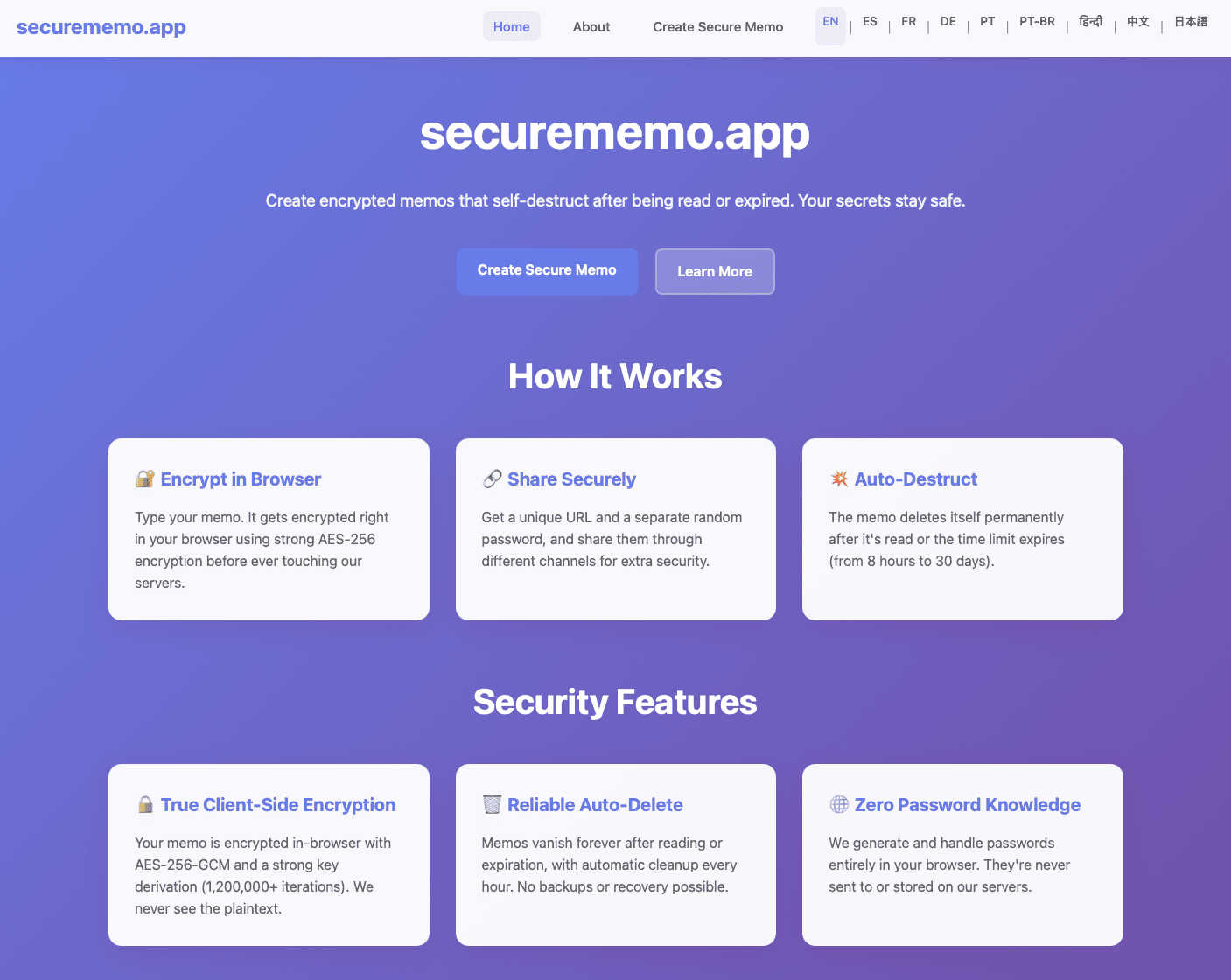
About securememo.app
Tired of digital snoops and data vampires? Welcome to securememo.app, the digital fortress for your fleeting thoughts and confidential intel. This isn't your grandma's note-taking app—it's a privacy-first, zero-knowledge vault that lets you create and share encrypted, self-destructing memos directly from your browser, no strings attached. Built for rebels, whistleblowers, journalists, and anyone who values their digital sovereignty, it ensures your secrets stay yours. The core magic? Client-side encryption. Your sensitive data gets scrambled into unreadable gibberish right on your device before it even whispers a word to our servers. We never hold the keys to your kingdom. Share a memo by generating a unique, one-time link and a fortress-strong password created locally on your machine. Pass the password through a separate, secure channel (think Signal, not SMS), and you've got a handshake that even we can't eavesdrop on. No accounts, no sign-ups, no trails—just pure, unadulterated anonymity and ease of use, speaking your language in over 20 tongues. In a world of oversharing, securememo.app is your digital burn-after-reading note.
Explore more in this category:
Similar to securememo.app

Statement2QBO
Bank statement PDF to QBO, Excel and Xero. Runs in your browser; three pages a day are free.

Emailyy
Free email tools for signatures, subject lines, HTML previews, word counts, and email headers. Browser-based, simple to use, and no signup required.

Uniclip
Clip pages, take full-page screenshots and batch-capture list data to Notion, Feishu, Obsidian, Markdown, CSV or JSON.

TroveKey
Search tabs, Chrome bookmarks and history, run browser commands, and save webpages and social posts locally—no account.

Foreman
See every app and what it's using in plain English, and end or slow down the one that's hogging your Mac.

Dot & Dash
Learn Morse code on a machine you can press. Write and send messages, turn Morse into text and back, and key Morse in any app on your Mac.

Typebar
Every key you press lights up on an on-screen keyboard, and each shortcut is named as you press it.

Notchpals
Little characters peek out of your Mac's notch to remind you to drink water, eat, sit up and get to bed. Quiet during calls. $4.99 once.