

BlazePDF
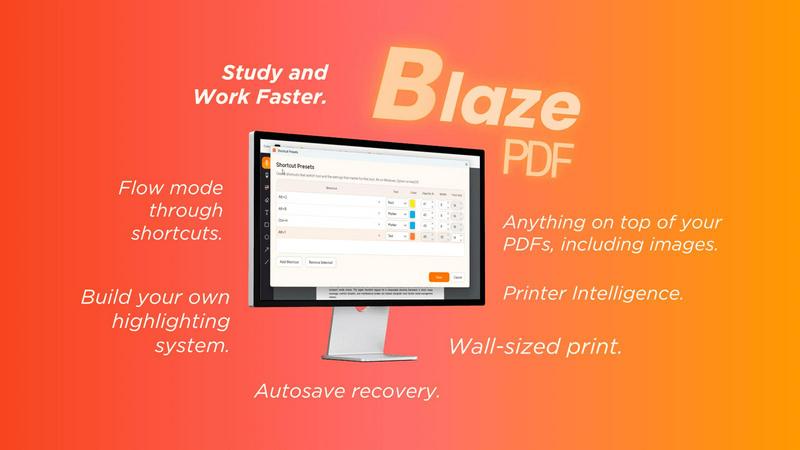
Highlight faster. Study in flow with custom shortcuts and a workflow built around you. Print smarter, or turn any page into a tiled poster.
About BlazePDF
BlazePDF is a fast, intuitive PDF app built around how students actually study. Highlight and annotate faster, add images, use familiar keyboard shortcuts, and move through documents without breaking your flow. BlazePDF focuses on the small interactions students repeat constantly and makes them faster and more natural, with customizable tool switch shortcuts, autosave, and an interface designed especially for laptop-based studying.
Explore more in this category:
Similar to BlazePDF

LightScreen
Free light screen tool online. Turn any display into a flashlight, ambient light, or solid-color screen. No download or sign-up.

PLRental
Rental agency software: scan a customer ID, get a signed contract in under a minute, and manage fleet, customers, and invoices.

Agent Pets
Your Claude Code & Codex sessions as pets in Chrome. Approve, deny and reply to your coding agents from any tab.

Lemongraph
Seriously proactive personal productivity app

Pixdok
PixDok is a browser-based toolkit for common document and image tasks without requiring desktop software installation.

Screen Issues
Free Online Screen Test Tool - Instantly diagnose dead pixels, lines, color issues, and flickering. Multiple test modes, no download needed.

Mainspring
Mainspring turns the settings macOS hides into 90+ one-click, fully reversible power-ups for Finder, Dock, screenshots and more. $29 once.
