Veo3 Video Generator vs Video to Text
Side-by-side comparison to help you choose the right AI tool.

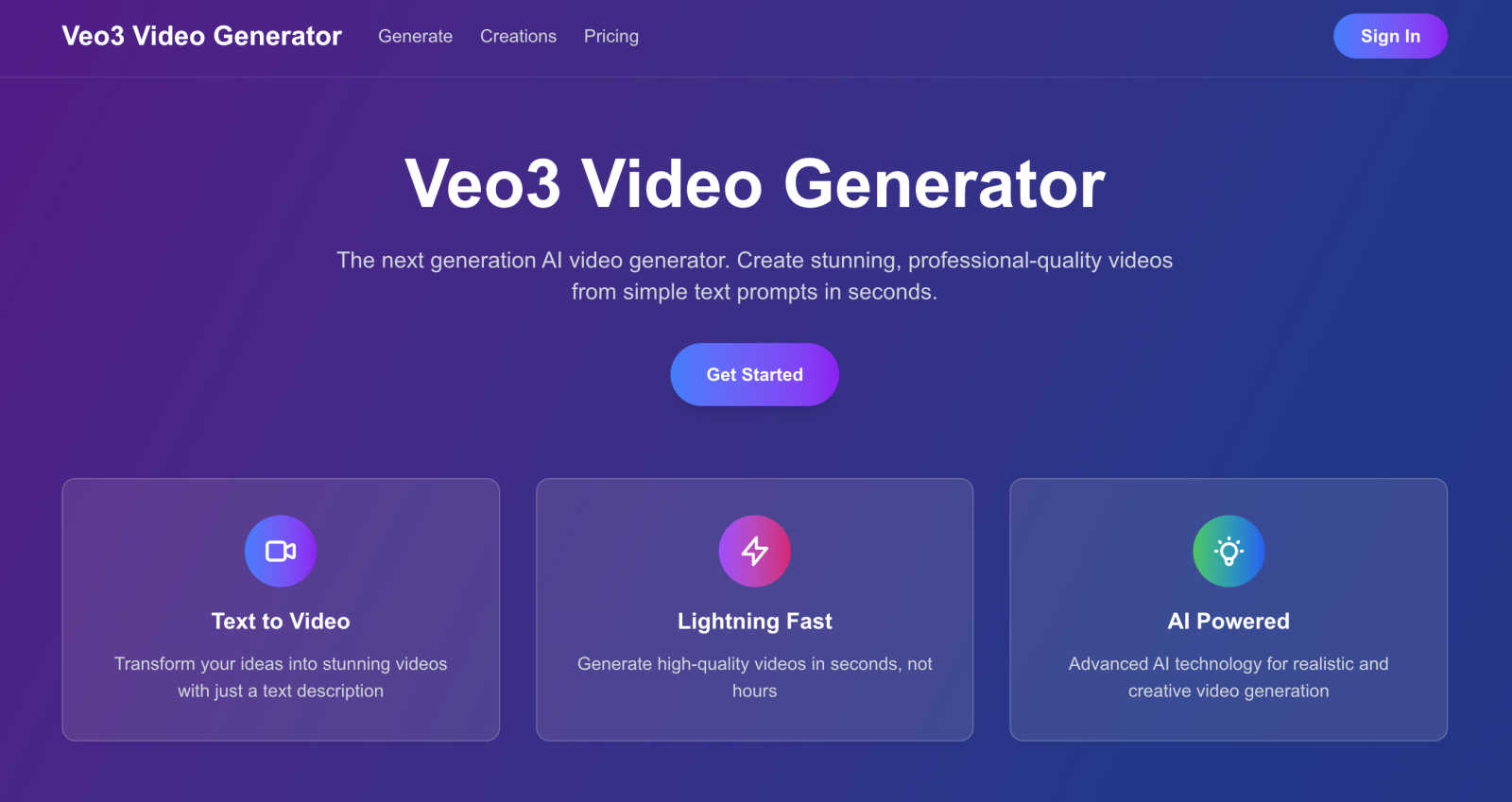
Veo3 Video Generator
Transform your ideas into stunning, pro-quality videos in seconds with Veo3, the ultimate AI video generator.
Last updated: February 26, 2026

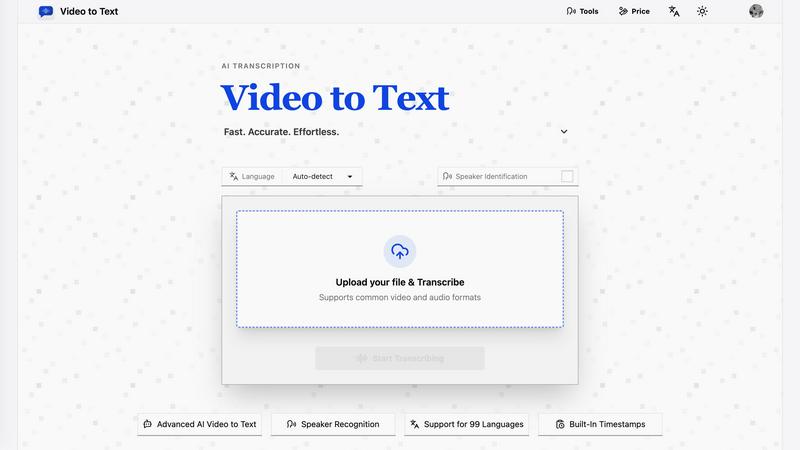
Video to Text
Turn any video or audio into clean text in minutes.
Visual Comparison
Veo3 Video Generator
Video to Text
Overview
About Veo3 Video Generator
Welcome to the realm of limitless creativity with Veo3, the ultimate AI video generator that transforms your wildest ideas into stunning cinematic experiences faster than you can blink. Picture this: you have a brilliant concept brewing in your mind, and within seconds, you can turn that vision into a professional-quality video, all from a simple text prompt. Whether you are a savvy content creator seeking to captivate your audience, a marketer aiming to elevate your brand, or just a creative soul wanting to express yourself, Veo3 serves as your personal video wizard. Its state-of-the-art AI intuitively understands your vision, crafting videos that not only look real but also connect deeply with viewers. Say goodbye to tedious editing processes and hello to an exhilarating, user-friendly experience. It's not just about making videos; it's about unleashing your imagination in a world where creativity knows no bounds. Join the revolution in video creation with Veo3 and stand out in the digital crowd.
About Video to Text
video to text is an ai-powered transcription service that converts video and audio files into clean, exportable text. the product is designed for creators, teams, and individuals who need fast, accurate speech-to-text conversion without setting up their own transcription pipeline.
the app combines a simple upload flow with automated processing, speaker-aware transcription, and flexible export options. users can upload media, wait for the transcription to finish, and then download the result in the format that best fits their workflow.