Sora 2 AI Video Maker vs Video to Text
Side-by-side comparison to help you choose the right AI tool.

Sora 2 AI Video Maker
Create jaw-dropping videos from text or images in seconds with Sora 2 AI Video Maker, no watermarks and all the magic.
Last updated: February 26, 2026

Video to Text
Turn any video or audio into clean text in minutes.
Visual Comparison
Sora 2 AI Video Maker
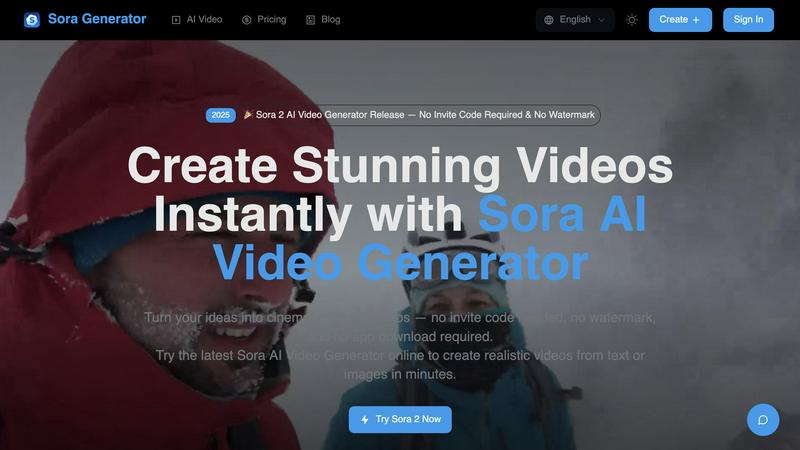
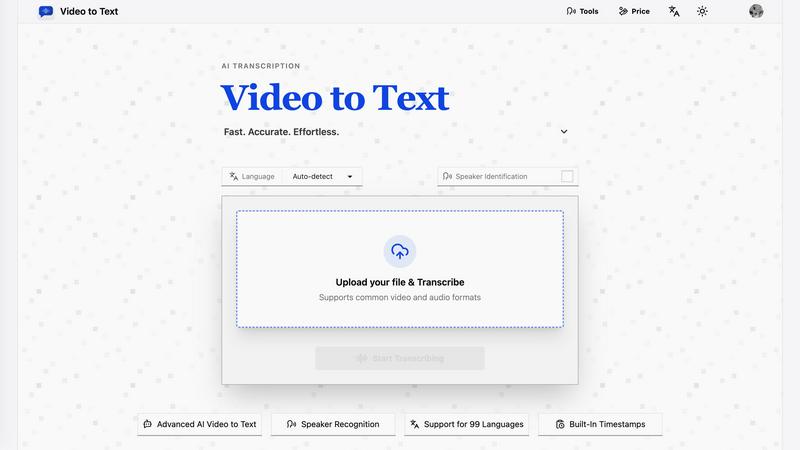
Video to Text
Overview
About Sora 2 AI Video Maker
Forget the tedious processes of traditional video creation because Sora 2 AI Video Maker is here to flip the script. This cutting-edge tool transforms your wildest ideas into stunning videos in a matter of minutes. Gone are the days of wrestling with complex software and long render times. With Sora 2, you simply input your text or upload an image, and watch as it morphs into high-quality cinematic brilliance right in your browser. No downloads, no extensive training in video editing—just pure creativity at your fingertips. It's crafted for the go-getters: content creators, marketers, designers, and developers who need a quick, reliable way to produce eye-catching videos. The core mission? To democratize Hollywood-level production, allowing everyone to generate stunning, watermark-free videos for all their needs, whether it's for social media, advertisements, or game trailers. Just remember, for a smooth ride, a VPN is your best ally. This is where imagination collides with instant execution, making video magic accessible to all.
About Video to Text
video to text is an ai-powered transcription service that converts video and audio files into clean, exportable text. the product is designed for creators, teams, and individuals who need fast, accurate speech-to-text conversion without setting up their own transcription pipeline.
the app combines a simple upload flow with automated processing, speaker-aware transcription, and flexible export options. users can upload media, wait for the transcription to finish, and then download the result in the format that best fits their workflow.